
Aug 19
Apply conditions within the options of an element
It would be nice if we could apply conditions to each option of the same element.
Example:
I want the black font to be available only on the white T-shirt, and the white font available only on the black T-shirt, without the customer having to select the correct color.
How do I do that today?
I duplicate the option within “option sets” and create the conditions within each option. In other words, it needs to be duplicated and conditioned. This application could take place within each value of the same option.
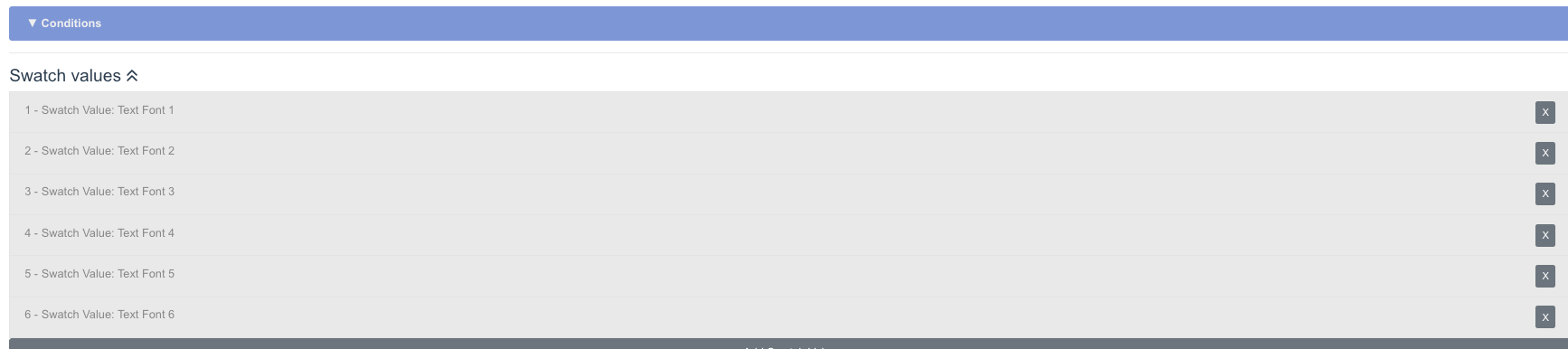
In an image, you could have an option to apply a condition to each of these “swatch values” in the image. This would avoid excessive duplication of options.
Reviewing
+ you can add this for swatches as well.