
Nov 10
Crop Preview
My team and I were discussing whether "Fill Area" was a better choice for our customers' Image Uploads or not. With it turned off, a customer may not use the full space, but with it turned on, they may lose some parts of their image they don't want cropped, and there's no way to see what's missing.
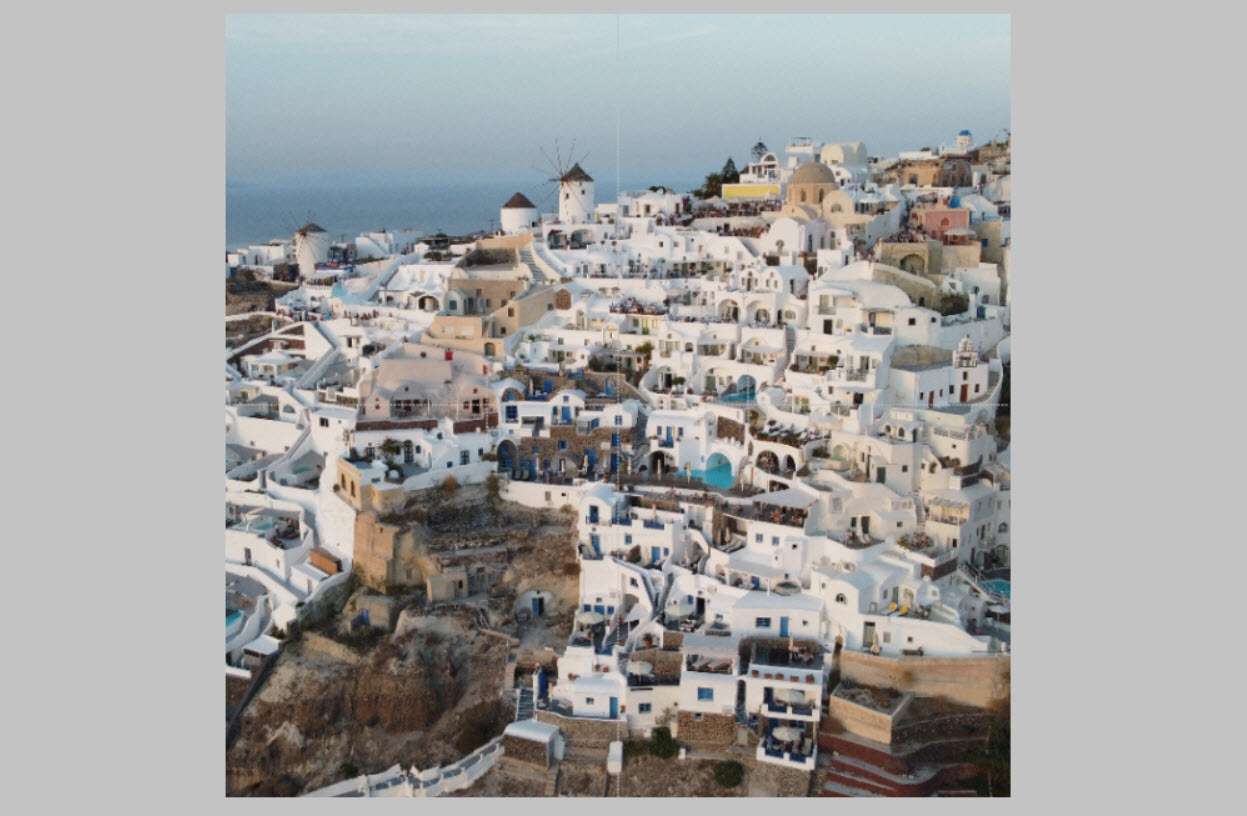
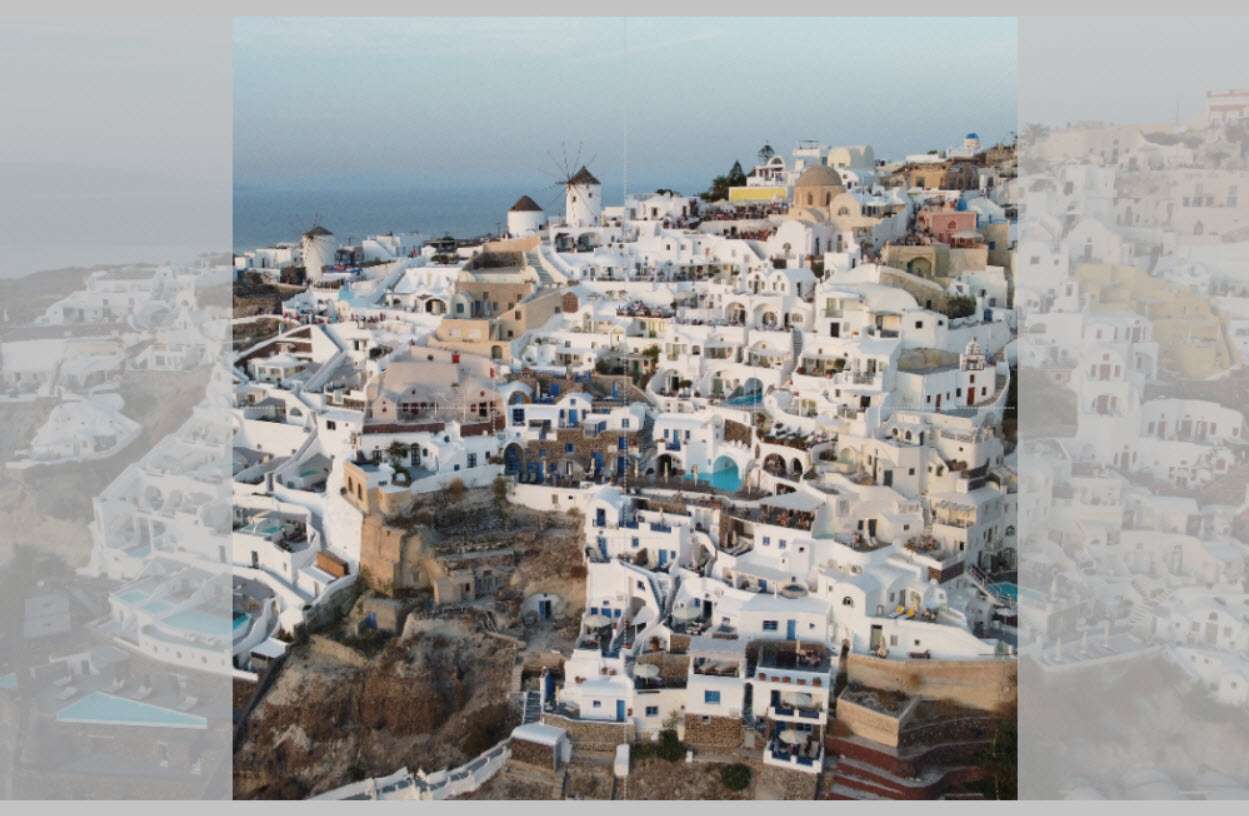
Another program I use for customization, ROES, defaults to Fill Area, but if the customer tries to move the image, it shows the ghost of what they will lose outside of the bounds until they deselect the image. I think this would be a great feature for Customily, and would reduce confusion and mistakes on what the finished product will look like.
Completed
✅ Done! We’ve released several improvements to Image Uploads that should cover this need, including an Adjust/Crop button next to the upload button for quick edits and adjustable crop overlay opacity to easily see what’s outside the cropped area. Try it out and let us know what you think! More details here: https://customily.canny.io/changelog/enhanced-image-upload-z…