May 31

Edit Personalisation once submitted

For Etsy, is there any way that customers can go back and edit their design once they have submitted their personalisation? Sometimes, they make a spelling mistake or put the wrong date or location etc. Manually editing 6/7 designs at a time slows down my fulfillment process. Thanks :)
CompletedCompleted

Nov 12, 2024

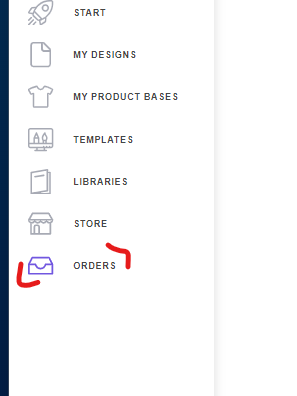
Update: Hi! The 'Edit Personalization' feature is now available for 'Etsy', 'Amazon', and 'Shopify' platforms. You can find this function in the Orders menu. Note: The store must have the following setting enabled for this function to work:

Nov 13, 2024

Augusto D'Amario Thank you : )

Sep 24, 2024

It would be a great feature (and might help bandwith) if there was a way to upload a file that either overwrites or deletes and replaces the old file, especially if this could be done in bulk.

Sep 3, 2024

Hello CIG, this would be really helpful. In the meantime,Augusto, can you please send me the wordaround in the meantime? Thanks

Sep 4, 2024

J Mont: Sure, I will do it.

Sep 9, 2024

Augusto D'Amario Hey Augusto, just checked my email and haven't receivde it. Can you please send it again? Thanks in advance

Sep 10, 2024

J Mont: Hi José! I've just sent it. Please check your inbox.

Aug 30, 2024

Hello CIG! Thank you for your feedback. I understand the frustration this delay has caused, and I apologize for the inconvenience. The edit feature is a priority. I don’t have an exact release date yet, but I’ll keep you updated on our progress. P.S.: I'll reach out to you via email with a workaround that might help in the meantime.

Jun 4, 2024

I Second this!

Feb 12, 2024

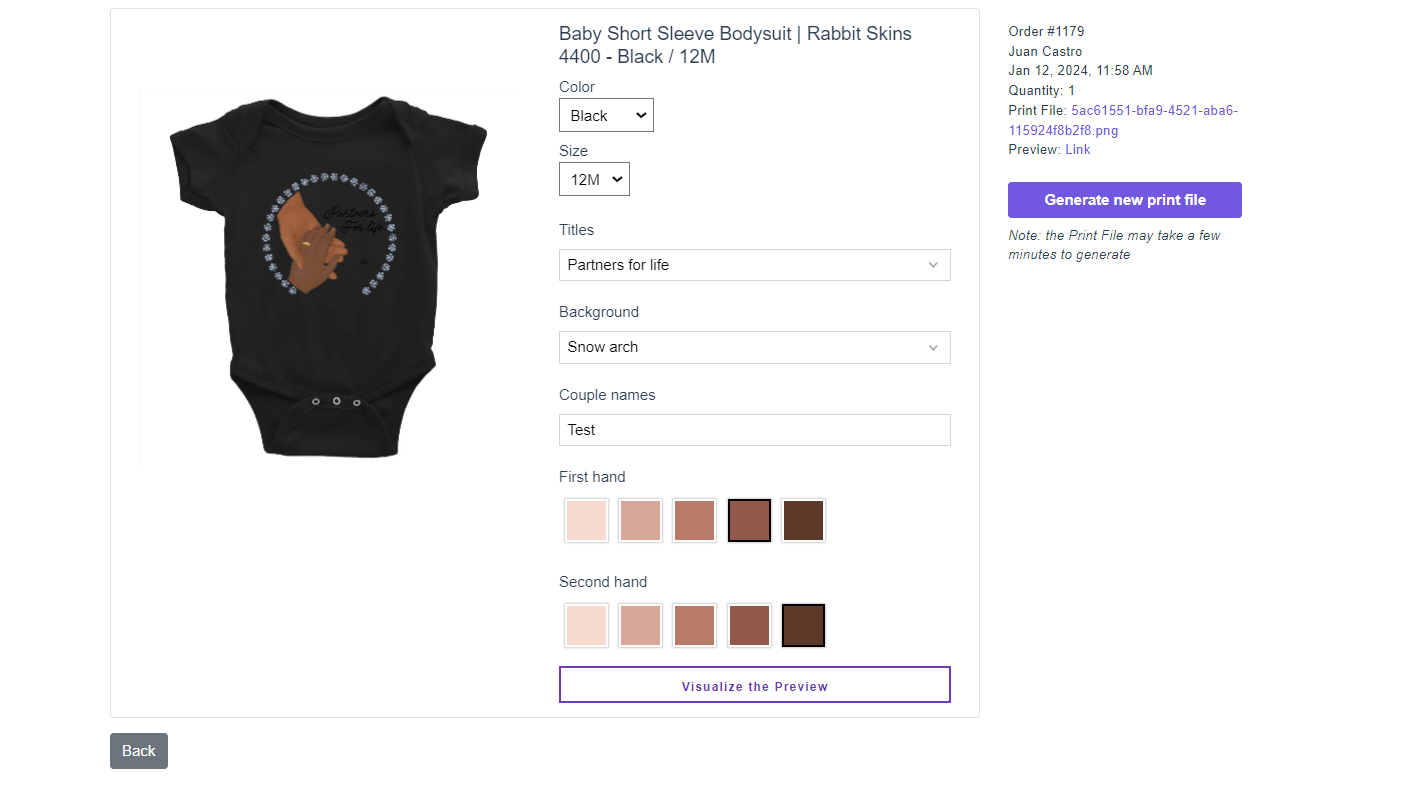
Hi Guy, For *Shopify* users we have a functionality that can be used modify an order: 1. You need to go to the Orders Menu. 2. Click on the order you want to modify 3. A new window with the preview will open up, enabling you to modify the personalization and create a new print file.

Feb 12, 2024

Julian Ferreiro Does this simply generate a new file the same way it would if you used the console to do it manually? Or does it overwrite the official production file attached to the order?

Feb 15, 2024

Adrian Ontiveros, great question. When you generate a new print file using this process, the original production file is overwrited. The new file uses the same link as the original.

Mar 21, 2024

Julian Ferreiro Hi Julian, I've tried this and it's not working in that way. When I update the print file, a new file is created, and the old file remains. The link on the order in shopify is updated, but the personalisation id remains the same, and the old file remains in the system. This is a problem for us as we use mountainduck to access our files, using the _customily-personalization-id to help us track which order we are looking for. It is definitely be better for us if the file name is the same, and the old file is overwritten by the new one. Can you advise please?