
Aug 29
Fit to artboard/canvas
Adding fit to artboard button, which will automatically adjust the size of the object to artboard. This thing is easy to implement and will save a lot of time.
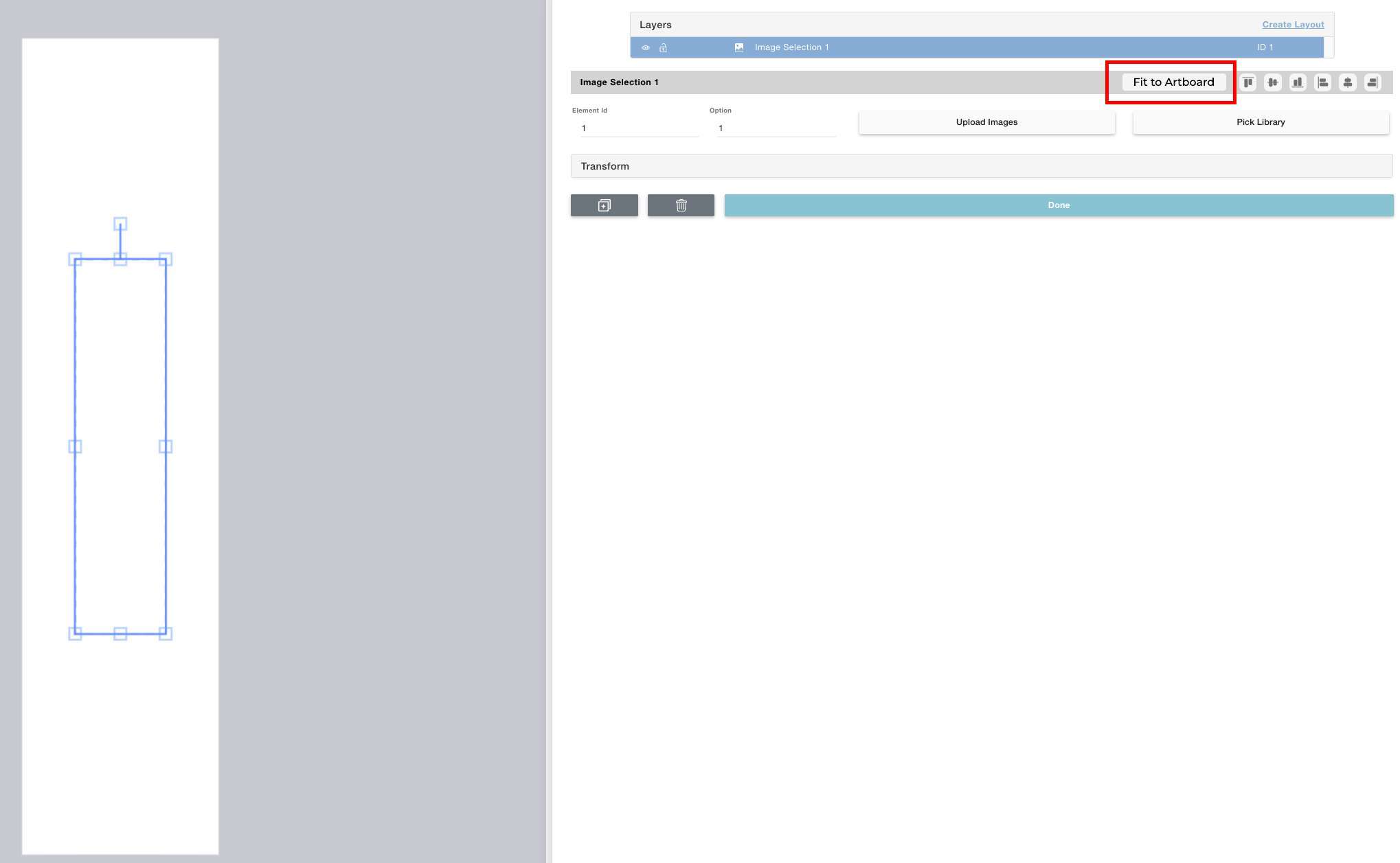
Completed
thanks for adding in so fast, but I also see another possible easy button that would save me a ton of time. Make it so we can select a new element, and then multi select another, and then match it to the size of the 2nd selection. On our products, we have a specified area that can be used for either Clipart or image upload. So we have to place a "Dynamic Vector" and then an "Image Placeholder" in the exact same position and the same size. I waste time copying all the X, Y, W & H using screenshots. If there was also a button to "Fit To Selection" that only appears when you multi select, that would make it super easy.
Augusto D'Amario wow, that’s what I need. Wondered to discover it only now😅
Hello Stepan Palamar! Thank you for this valuable post. Regarding point 2, it might not be the perfect solution for you, but there's already a shortcut to copy and paste in the same position: Ctrl (or Cmd)+C / Ctrl (or Cmd)+B. Note: Besides the position, the difference with the other one is that the new layer will have a different ID.
Augusto D'Amario: Is there any way to copy to the clipboard so that elements can be copied and pasted across different designs?
Hello Steven Cantor: Currently, there isn't a way to copy to the clipboard. I would greatly appreciate it if you could create a new post regarding this matter.
https://customily.canny.io/changelog/fit-to-canvas-is-now-av…