
May 30
Initial image should have background permanently removed
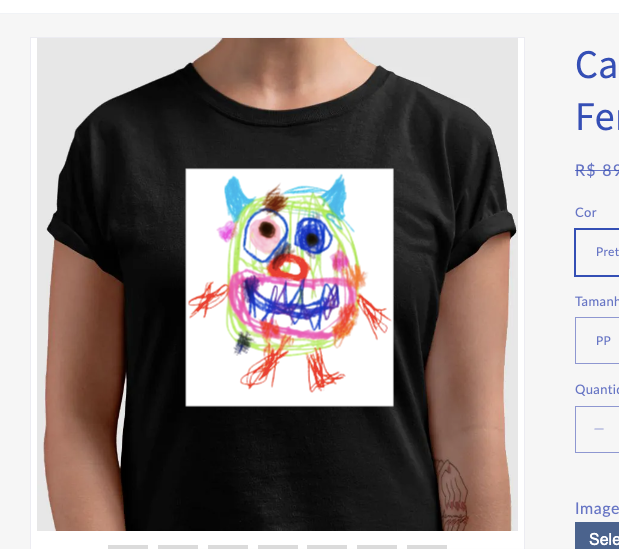
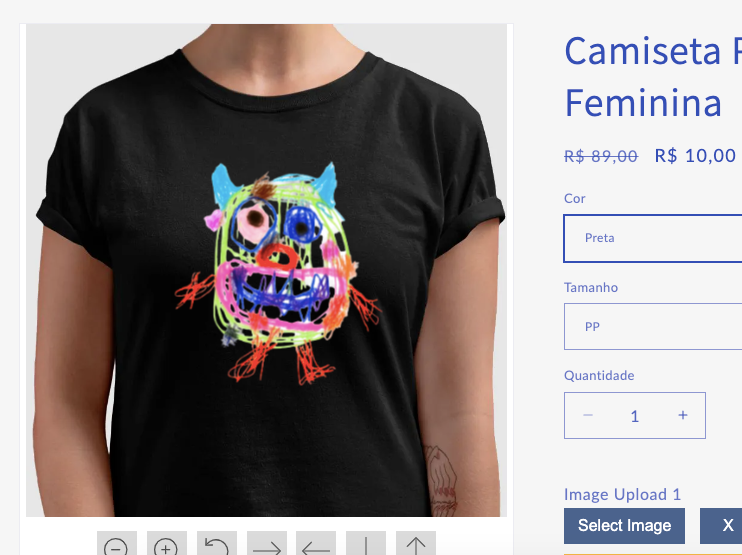
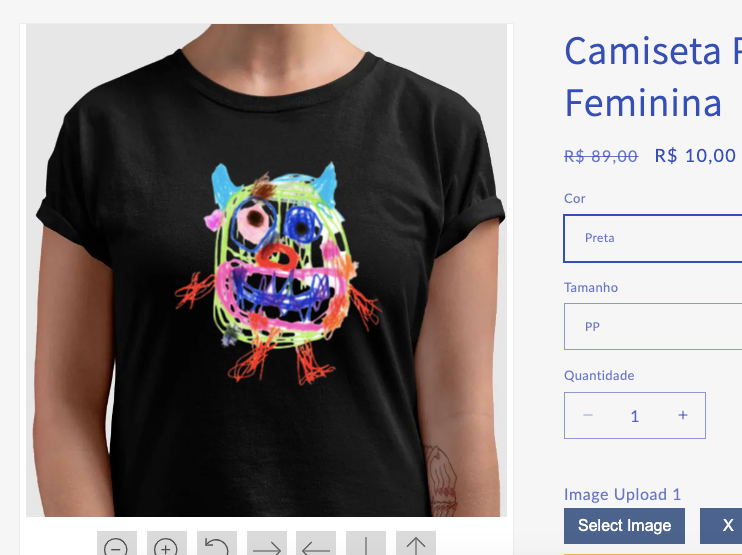
I'm using a background removal option in my design. And placed a initial image on the field below. But every time the product pages open we get two problems:
1. It consumes a background removal credit
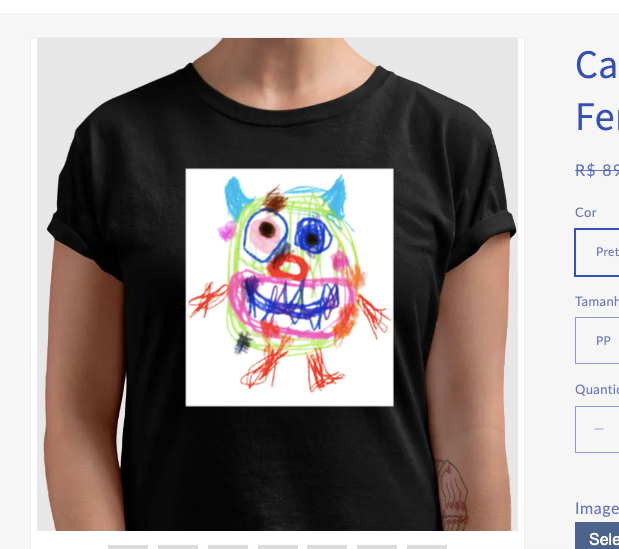
2. it takes long to the background to desapear, making it confusing to the client (find attached files)
Is it possible to set a condition there like: Initial image with background permanently removed already here. Your initial image will always be without a background, and you will only consume a credit here, at Customily backend.
Or maybe just to be able to Right a message there, like: Your image here.
That's a needed solution, once background removal is an important feature offered by Customily. Don't know how to make the best out of it, if its hard to showcase instinctively to clients.
Hoping for a positive response.
Juliana
Completed

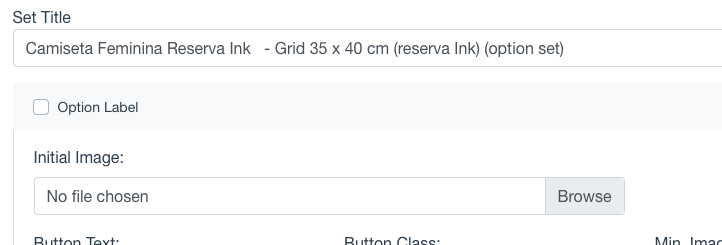
Hey guys, we recently included a checkbox on Image Upload Options (on the Option Set), so you can choose whether or not to apply Image Effects to the initial image. This will avoid having your users wait before starting to personalize their own images.