
Feb 9
Lock image placeholder.
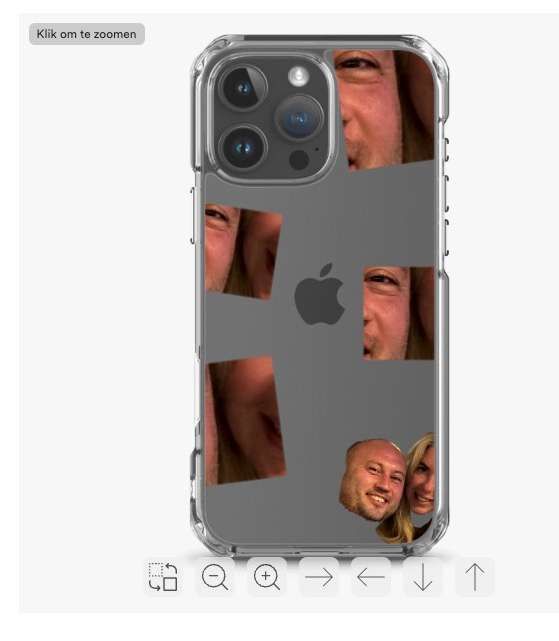
Currently, I have some designs where I want the image to be fixed so that it can't be changed or moved. This is currently possible with text. I fixed this with JS, but it would be amazing to just lock the uploaded image. The reason is that I have a design where the cropped image is spread over the case. But when moving the image, it moves from within out of the box viewport, and they all move instead of just one. Ideally, the only customization option available should be uploading a photo.
https://www.loom.com/share/05f8829d92a74307846b7151cca902f6?… Example.
Pending
Hello Arin Issa! Thanks for sharing your needs! Have you tried the "Limit Image to Placeholder" setting? It allows buyers to resize and move the image while ensuring the placeholder is filled.