
Feb 2
Support Opacity on Layers in EPS
The vector library doesn't support opacity on layers. I realize I can do this with a PNG but I prefer to do everything in vector for scaling and print quality.
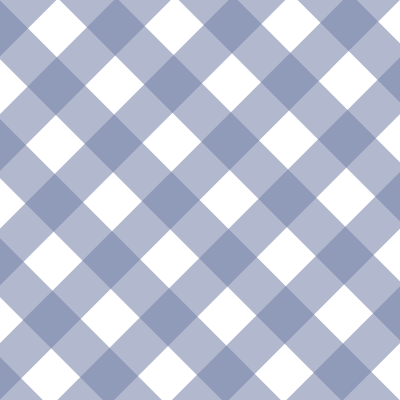
I have a gingham pattern, and one check is full color, and another check is 30% opacity to allow some color through to create the lighter color check. The image included gives an example. The blue background is not part of the file, it is a separate vector layer controlled by the color library.
Pending
This is a big problem that forces us to mix and match eps with png. As soon as there is any opacity or gradients on vector eps, it displays as thousands of separate artifacts in customily template creator.