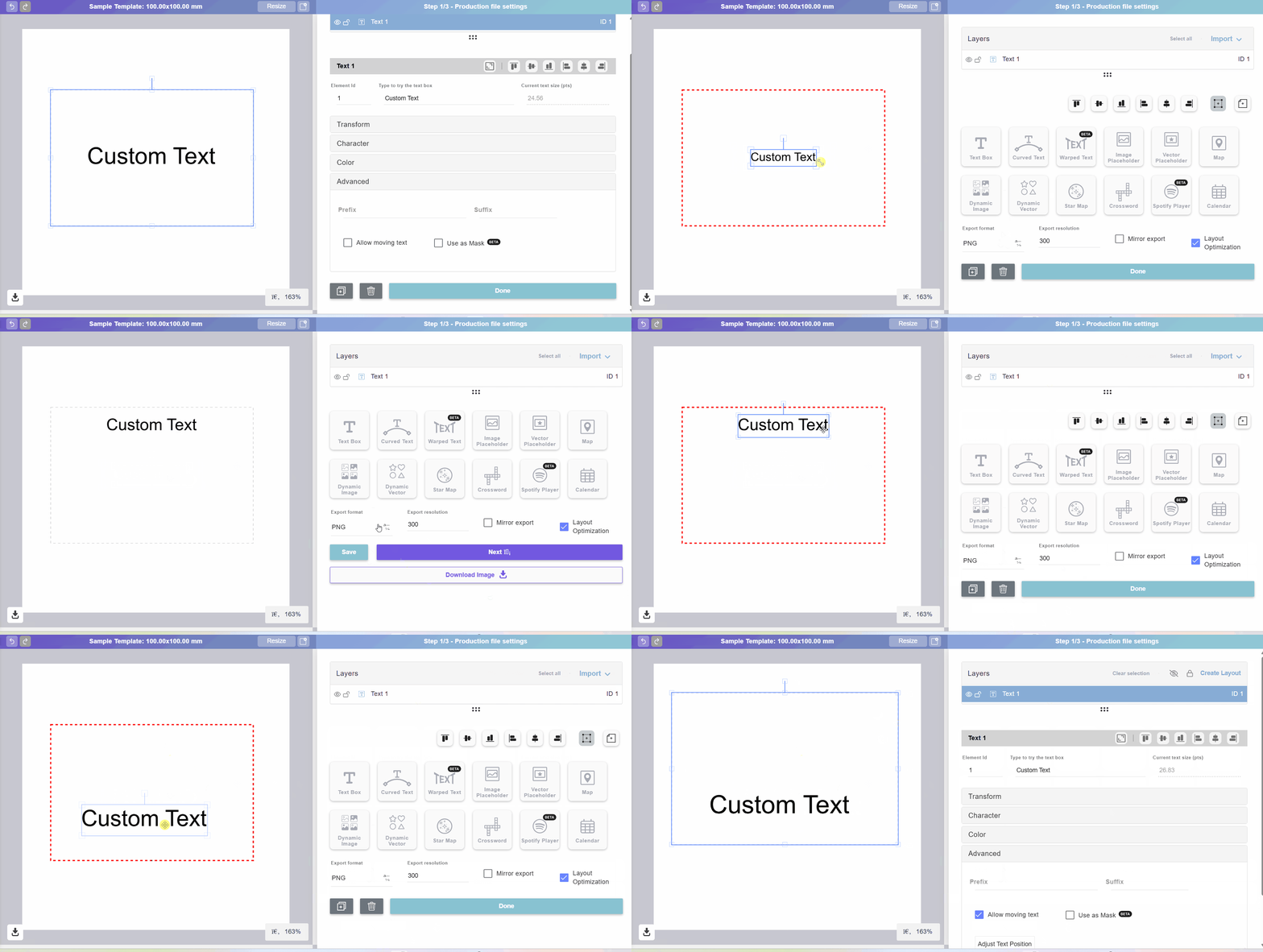
🔧 Adjustable Text Bounding Box 🔤📦
You now have more control over how customers personalize text on your products! Instead of letting text move freely across the entire canvas, in your Templates **you can define a specific area where the custom text can be adjusted **🎨🖱️.
✨ How it works:
-
📏 Set a bounding box – Define the exact area on the canvas where the text can be moved and resized.
-
🎯 Control initial position and size – Choose where the text starts and how big it is by default.
-
🚫 Prevent undesired personalization – Make sure text stays within the intended design area, avoiding overlaps or awkward placements.
-
🧩 Improve design consistency – Keep the final product looking just the way you intended.
-
🛠️ More polished experiences – Let customers personalize freely within limits that protect your layout.
📑 Note: Currently available only in Templates. Coming soon to My Designs.