
🧩 Apply Conditions to Options in Bulk
You can now apply conditions to options more efficiently!
How it works:
-
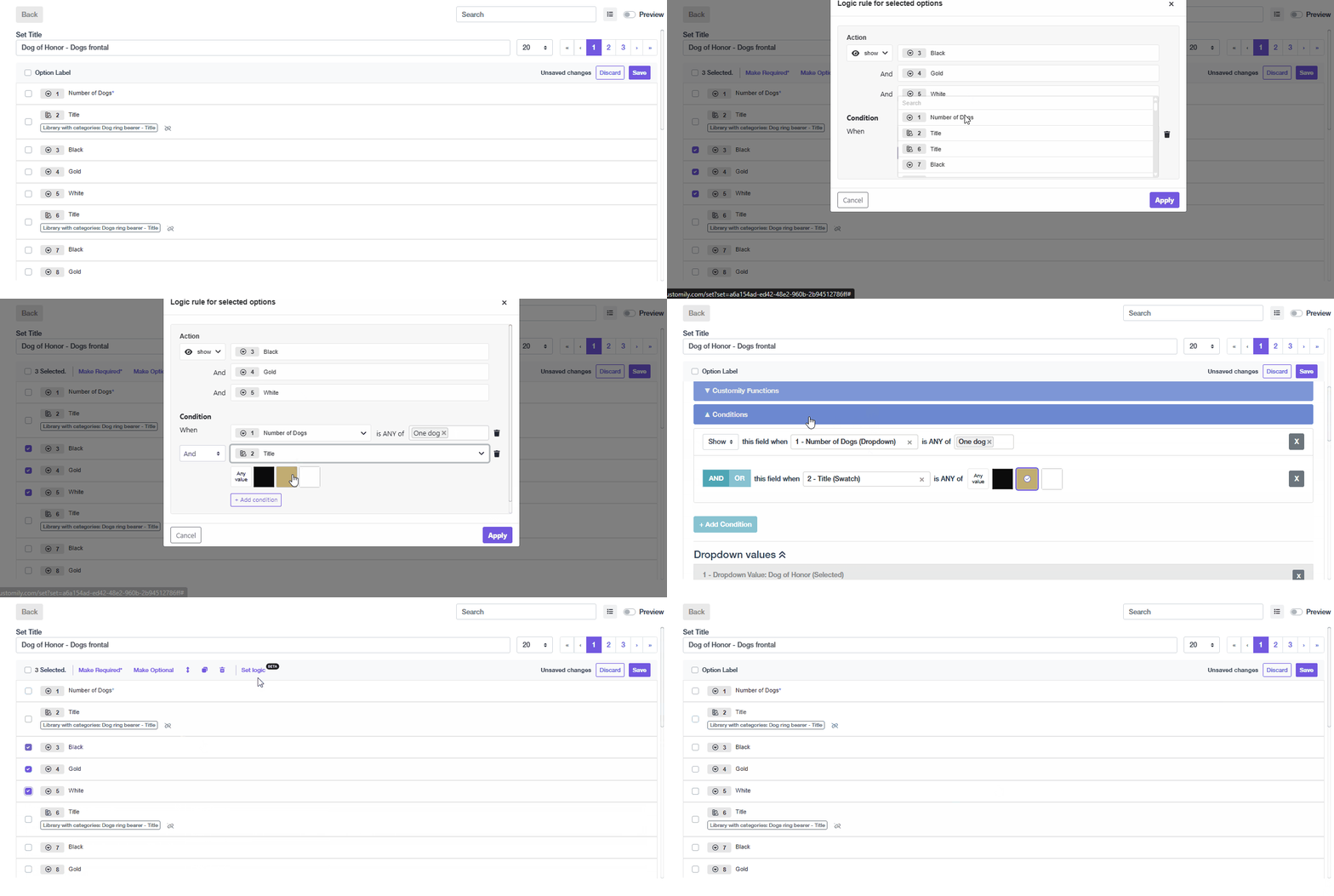
Select the option you want to apply conditions to from the list.
-
Click 'Set Logic'.
-
Any new conditions you apply will replace the existing ones for that option.
📝 Note: You might notice some minor UI changes, like the option type icons — these are part of our ongoing improvements leading up to the new Options Set UX redesign.