
🗓️ Calendars 2.0: More Ways to Make It Yours


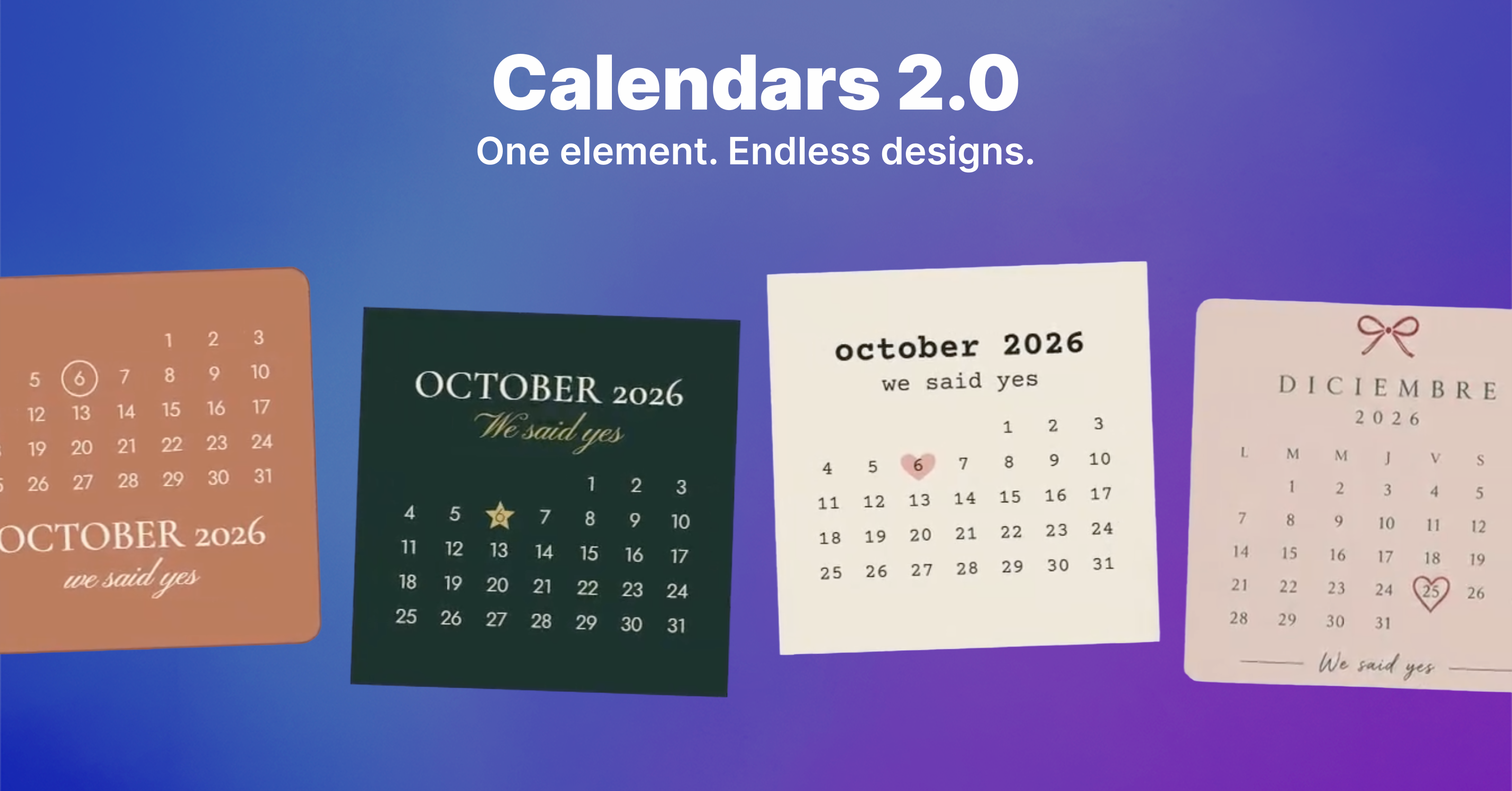
More customization. More control. More ways to make your calendars your own.
Our Calendars element just got a major upgrade! 🎉
With Calendars 2.0, you have much more control over how every part of your calendar looks and behaves.
Previously, you could mainly customize the font and colors of the entire calendar, with limited control over which elements were displayed or where they appeared.
Now, you can customize individual calendar elements and decide exactly how your calendar should look.
You can control settings for elements such as:
-
Month and year
-
Day numbers
-
Day initials
-
Divider lines
-
Backgrounds
-
And more
Each element comes with its own customization options, including colors, fonts, backgrounds, margins, alignment, and other styling settings.
Whether you want a clean and minimal calendar, a bold and colorful design, or something completely unique, Calendars 2.0 gives you the flexibility to build it your way.
Check out the video below for a few examples of what you can create with the new Calendars setup!