
🎨 Copy & Paste Color Options Between Elements

Agustina OuvinaProduct Manager
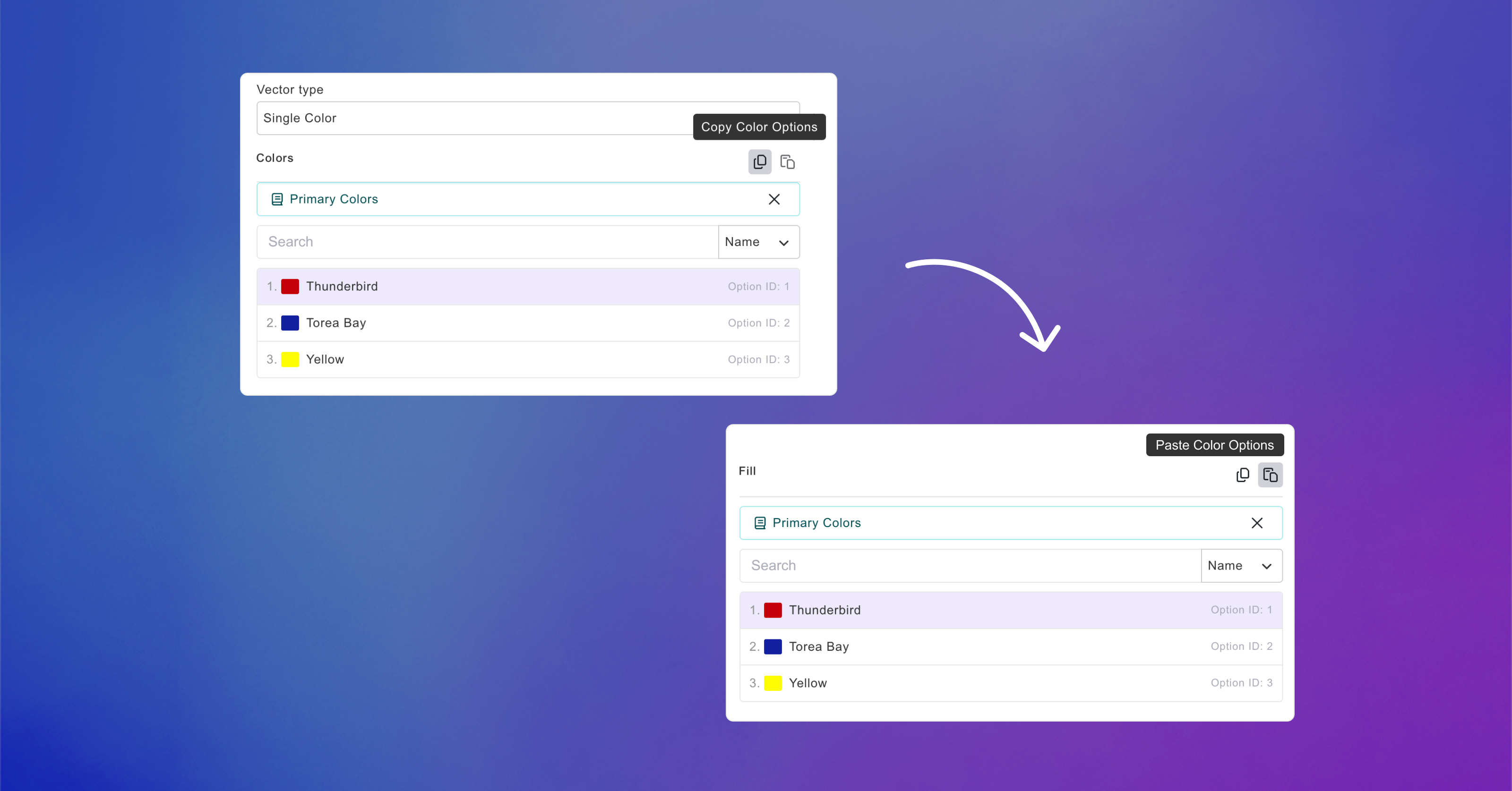
Updating colors across multiple elements just got a lot easier.
With Copy & Paste Color Options, you can now copy color settings from one element and paste them onto another, just like you already can with Dimensions & Positions.
This makes it easier to keep your designs consistent without having to manually set the same colors over and over again.
You can copy and paste color options between:
-
Text Fill, Stroke, and Shadow
-
Dynamic Vectors & Vector Placeholders with Single Color Options
-
Solid Backgrounds
Simply copy the color options from an element and paste them onto another supported element.