🧩 Crosswords 2.0: Break Free From the Same-Tile Look

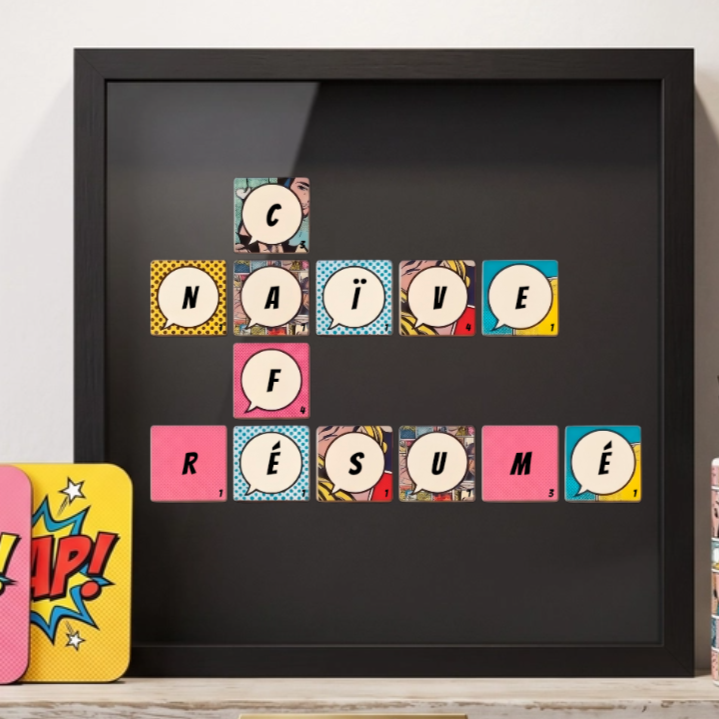
Crosswords have always been one of the most popular personalization formats on Customily, but until now, every tile looked the same, same background, same font, same color, no matter what the piece was for. Crosswords 2.0 changes that: merchants can now design tile styles that actually match the theme of the piece, and shoppers get to build genuinely distinctive, personal designs instead of a generic grid of letters.
Here's what's new.
🎨 Set your own tile styles
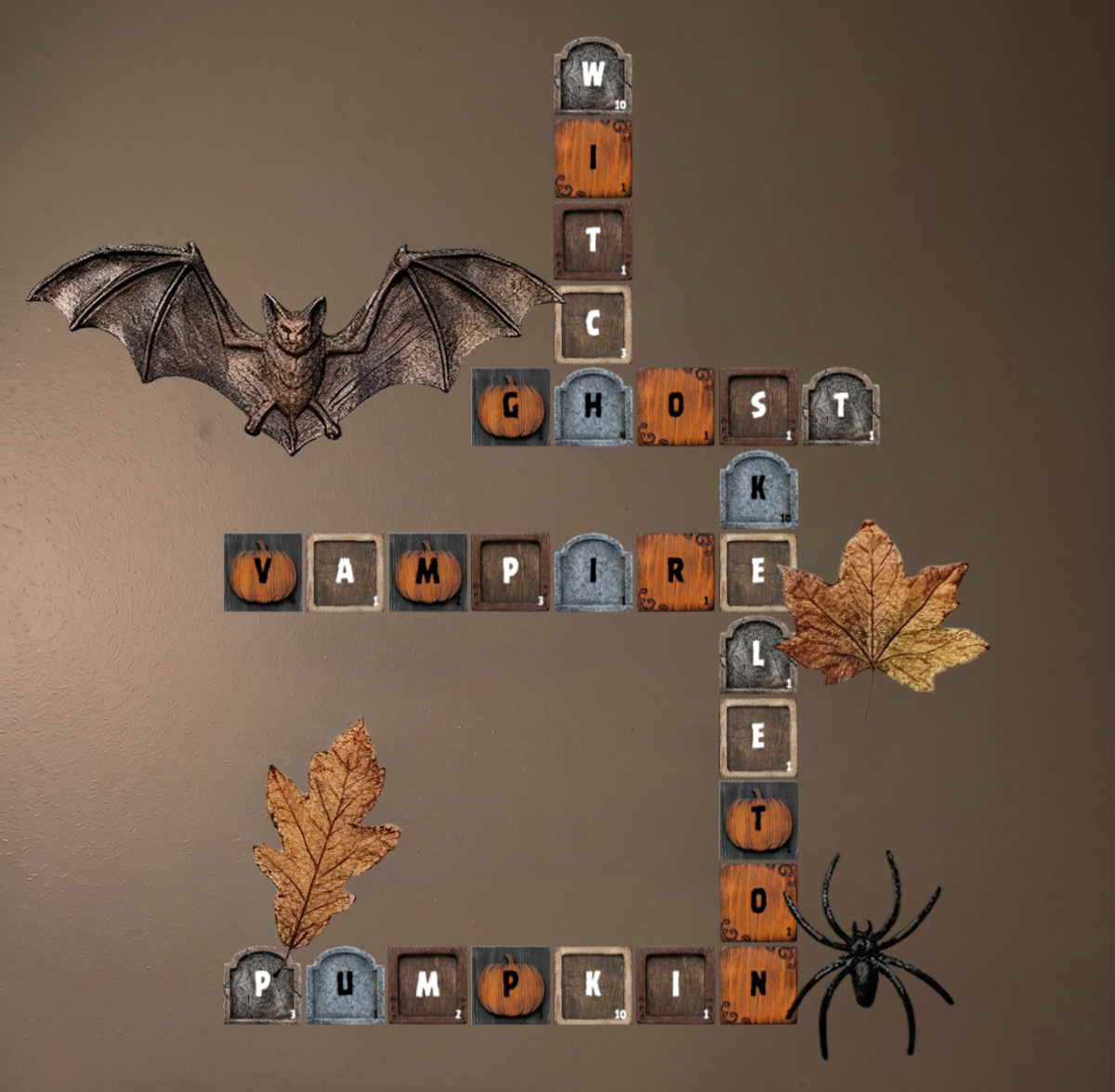
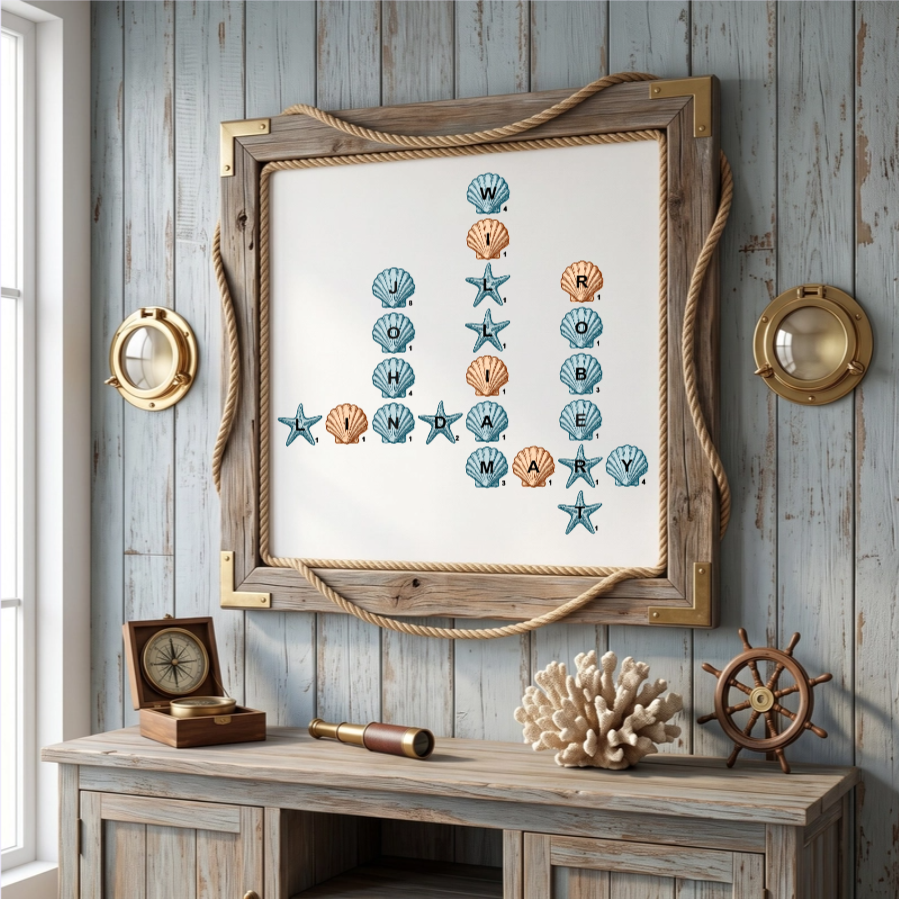
You can now define custom tile styles by combining an image, a font, and a font color. That's the building block for going thematic: a wood-grain tile with a rustic serif for a cabin-style piece, a pastel tile with a playful script for a nursery, a black tile with gold lettering for something more upscale. Build as many style combinations as your product line needs, directly from the Design Studio, no custom code required, and let the tile style do the work of setting the theme.
🛍️ Offer styles as shopper options
Once you've defined your tile styles, you can expose them as an option in the customizer. Shoppers pick the style that fits their taste, their season, or the theme they're building around, a holiday look, a sports theme, a wedding palette, the same way they'd pick a color or a font on any other personalized product. It's a simple way to turn a fixed design decision into something shoppers get to make themselves, and to let each order look like it was actually designed for the occasion.
🔀 Mix styles within the same design: Alternate mode
This is where 'all tiles the same' really goes out the window. With Alternate mode, merchants can decide to combine all of their defined tile styles so they alternate tile by tile across the same piece, no manual per-letter styling needed. A checkerboard of two colors, a wood tile next to a painted one, home team colors alternating with away team colors: the same crossword layout suddenly reads as a designed piece instead of a plain word grid.
🌍 No language limits
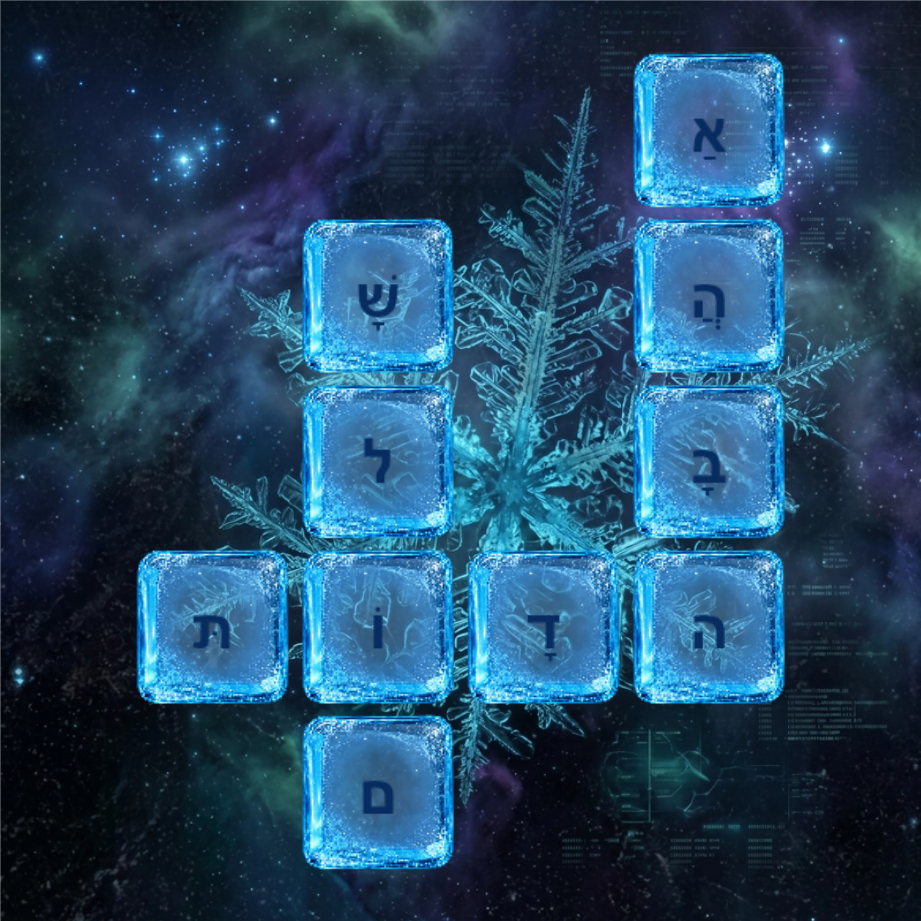
Because tile styles now include the font itself, Crosswords 2.0 removes language restrictions on the puzzle. Any font you assign to a tile style can render whatever characters it supports, so merchants selling to non-English-speaking markets, or shoppers personalizing in their own language, are no longer boxed in, as long as the font covers that language's characters.
The one caveat: the small Scrabble-style point number in the corner of each tile still needs to map to a letter value, and that mapping is language-specific. To keep that accurate, we support an extensive list of languages to choose from, so you can pick the one that matches your product and get correct scoring numbers automatically.
🚀Get started
Crosswords 2.0 is available now on existing and new crossword products. Head into the product editor to define your first tile styles, build a couple of themed sets, and turn Alternate mode on for any design that could use more than one look. The same crossword layout, styled differently, is a different product.