
Set Up Functions to Variant Combinations

Agustina OuvinaProduct Manager
Until now, functions could only be assigned to a single variant option (for example, setting a dynamic image function for the variant Color: Green).
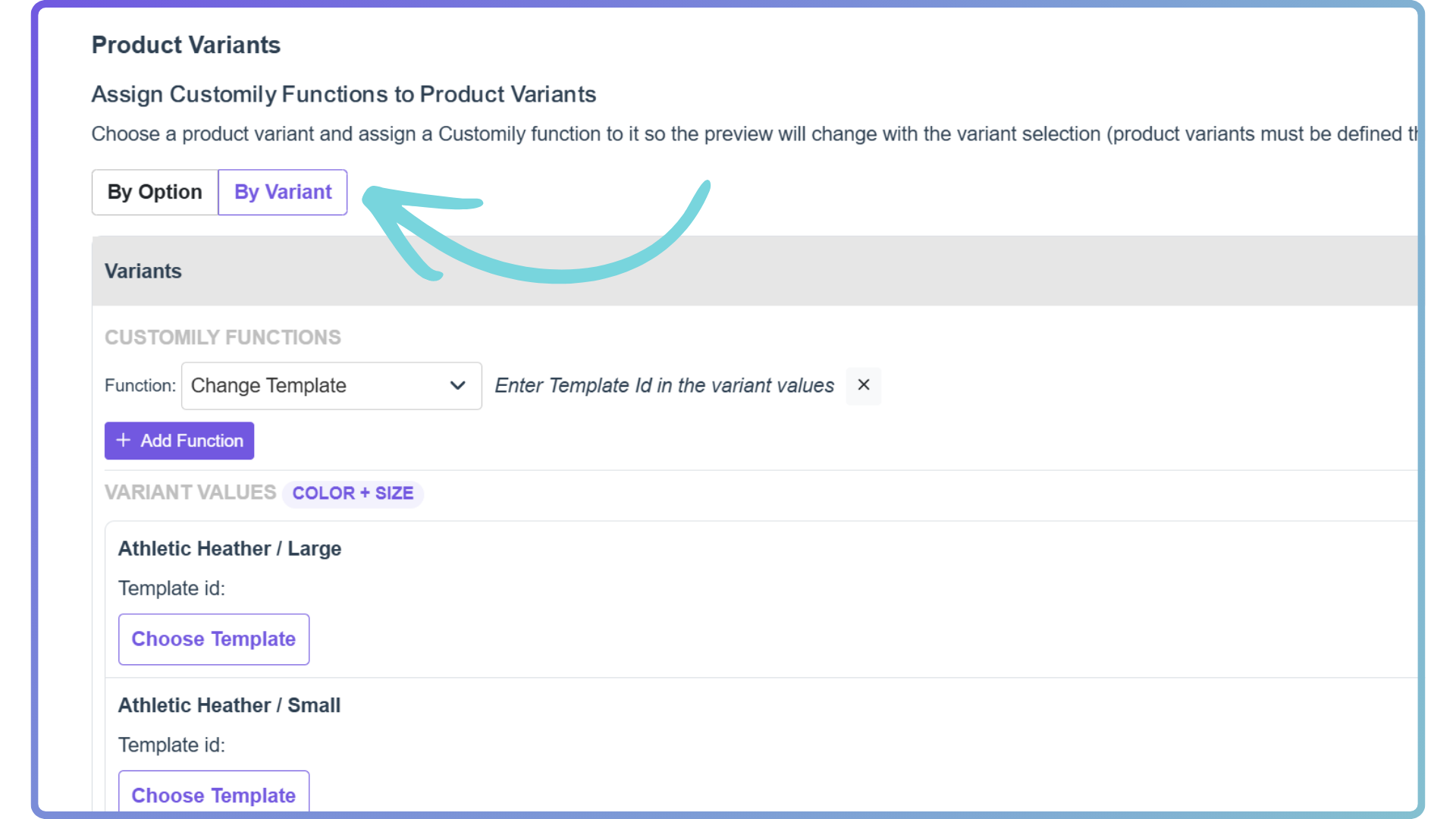
👉 What’s new? You can now assign functions to specific variant combinations.
That means you can do things like:
-
Set one image for Green + Square (Color + Size)
-
And a completely different one for Green + Portrait (Color + Size)
More control, more flexibility, better personalization 🔥
⚙️ How to set it up
-
Go to your product page in Customily
-
Scroll down to Product Variants
-
Toggle between:
-
By Option (old way)
-
By Variant (new ✨)
-
-
Set up your functions and hit save
Done 🙌
This feature is currently available for Shopify stores only.