
⏸️ Hide Option Values Temporarily

Options can now be hidden temporarily, making it easy to remove them from the customer experience without losing their configuration.
This is especially useful when:
-
A material, finish, flavor, or other option is currently out of stock but will be available again soon.
-
An option is only available during certain seasons or promotional periods.
-
You need to pause an option without rebuilding it later.
How to set it up
There are two ways to hide an option:
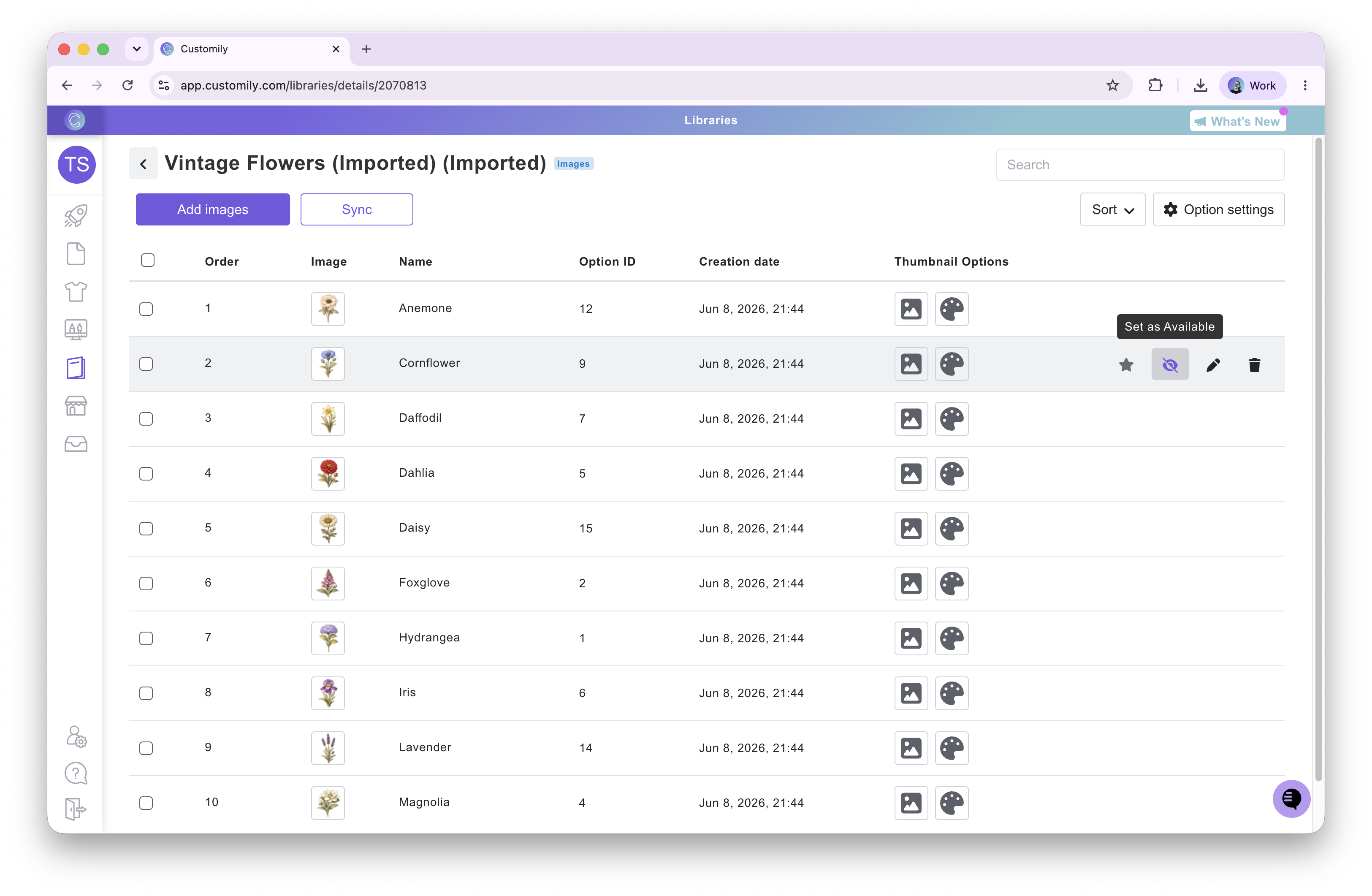
1. From a Library
Options managed through a Library can now be marked as Hidden or Available directly from the Library item settings. This will automatically hide or show the option value in all the Option Sets that have this library linked.
2. From an Option Set
For options that are not linked to a Library, you can now mark individual swatch or dropdown values as Hidden directly within the Option Set.
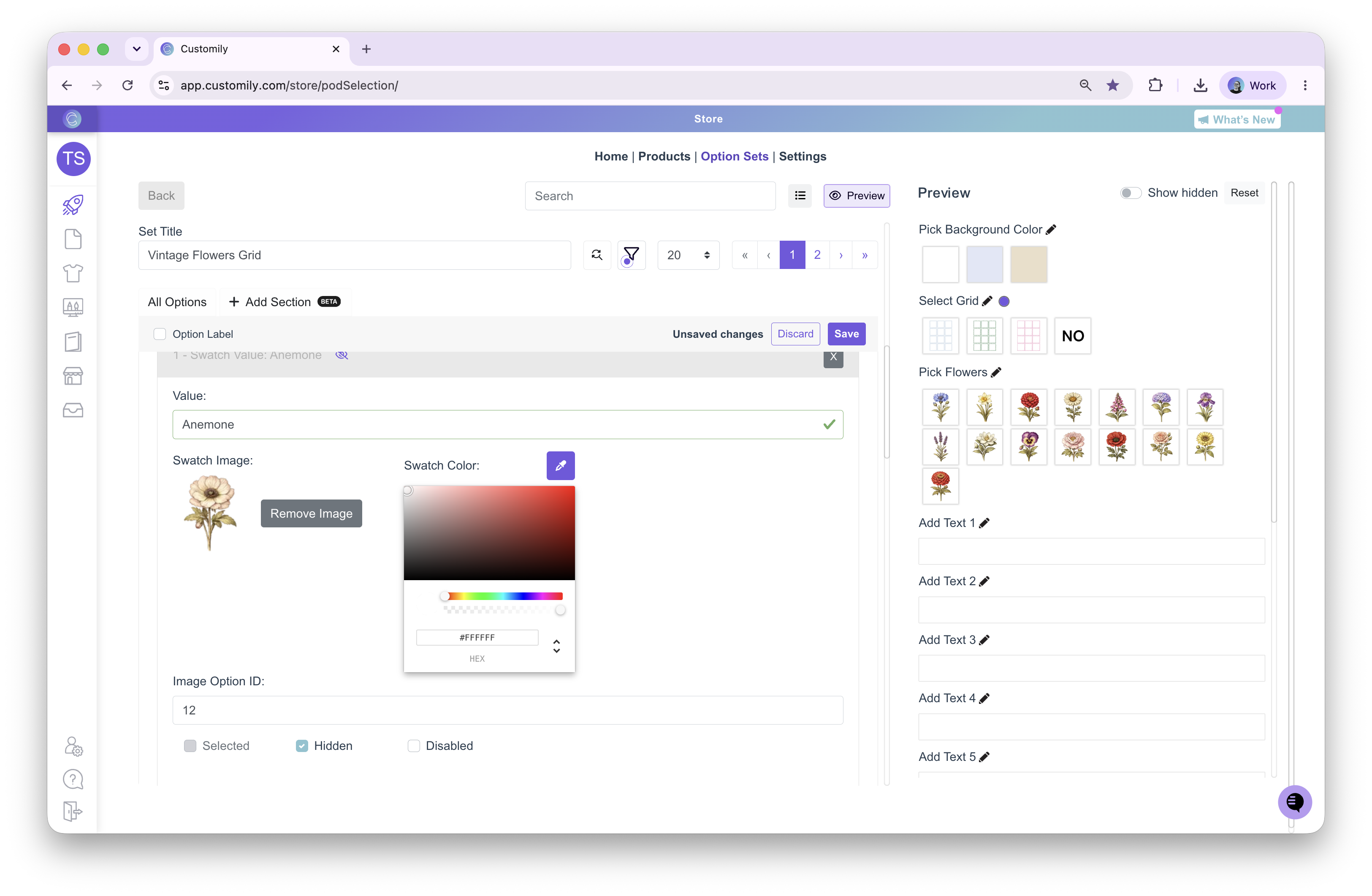
Once hidden, the option will no longer appear to customers, but all of its settings and configuration will be preserved, allowing you to make it available again at any time.