
🚀 Introducing Sticky Mode for our Mobile Preview Button! 📱
📱 What's New? Keep the Mobile Preview Button fixed on your screen while scrolling through personalization options.
✨ Why It Matters No need to scroll to the bottom of the options to trigger the preview.
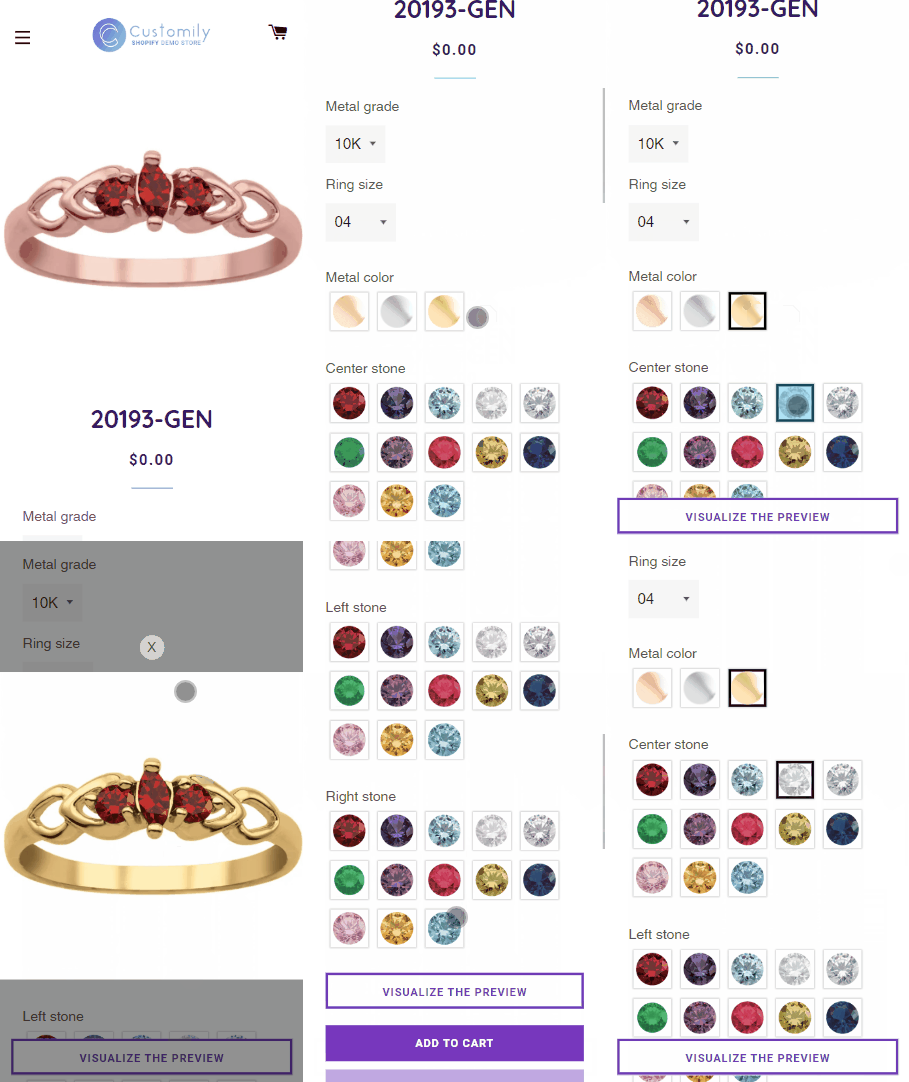
How to Enable Sticky Mode Enabling Sticky Mode is a breeze:
-
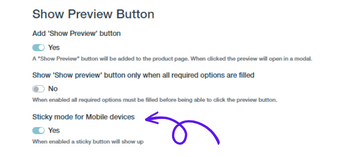
Navigate to your Store settings.
-
Activate Sticky mode for Mobile devices by toggling the switch below the "Show Preview Button" option. 📌
Try it out and share your feedback!
Please note: At the moment, this feature is only available for Shopify stores.