
Set Up Multiple Previews for Product Bases

You can now add multiple previews to your Product Bases, making it easier to create new products with different surfaces, print areas, or product views within the same personalization experience.
What’s new?
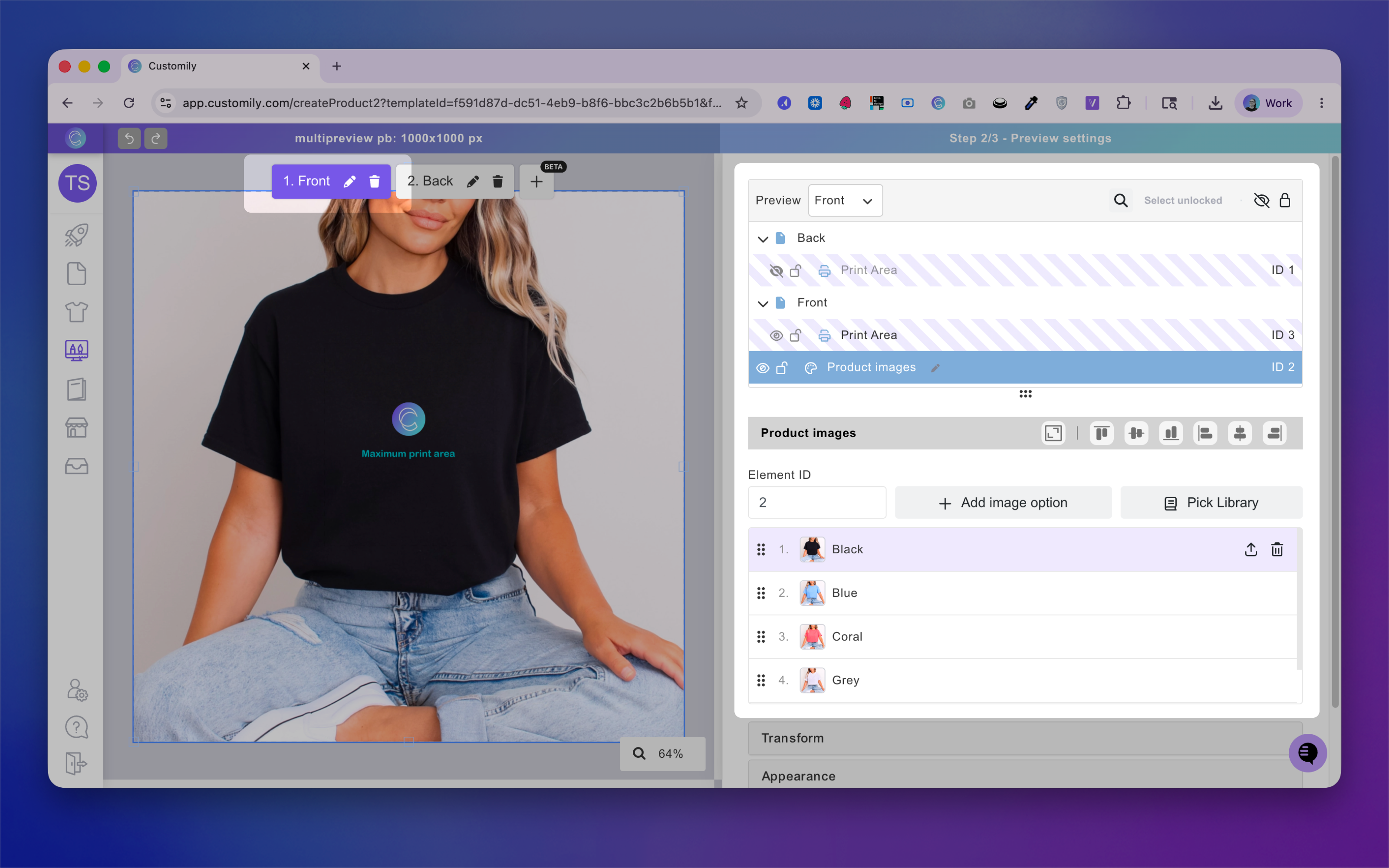
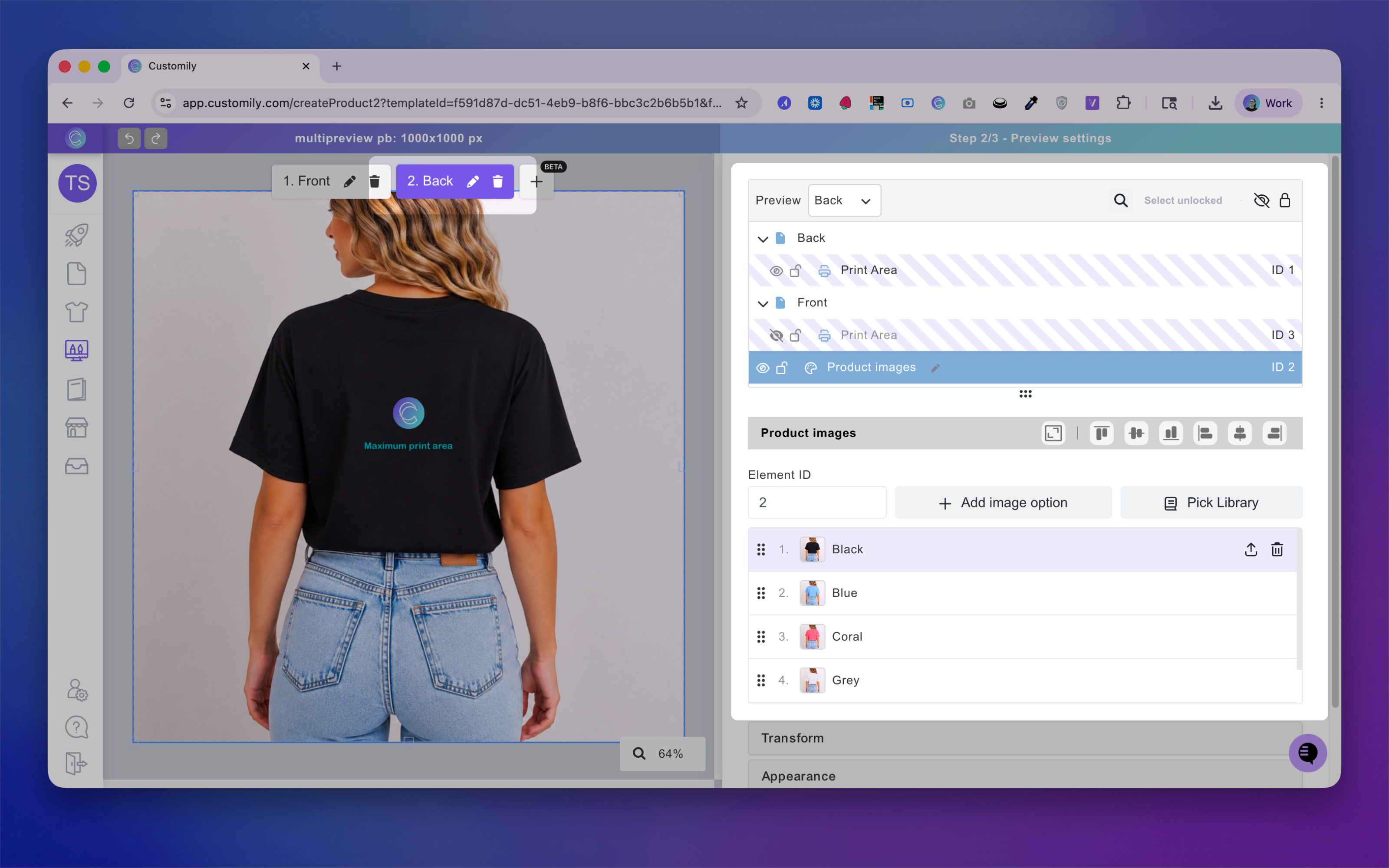
When creating or editing a Product Base, you’ll be able to add multiple previews during the setup process. Each preview can be configured independently, allowing you to:
-
Show or hide specific print areas
-
Adjust the position and scale of print areas
-
Create dedicated previews for different sides of a product
This is especially useful for products with front/back designs, closeup previews, or products that benefit from showing several angles during personalization.
Product image recommendations
To ensure product images for variants stay synchronized across previews when customers switch between variants on stores, we recommend keeping product images in the same order across all previews.
Current limitations
Multiple Previews for Product Bases are not yet compatible with:
-
Product Bases that use multiple sizes
-
Change Template functionality