
Outline Color Options for Image Placeholder

Agustina OuvinaProduct Manager
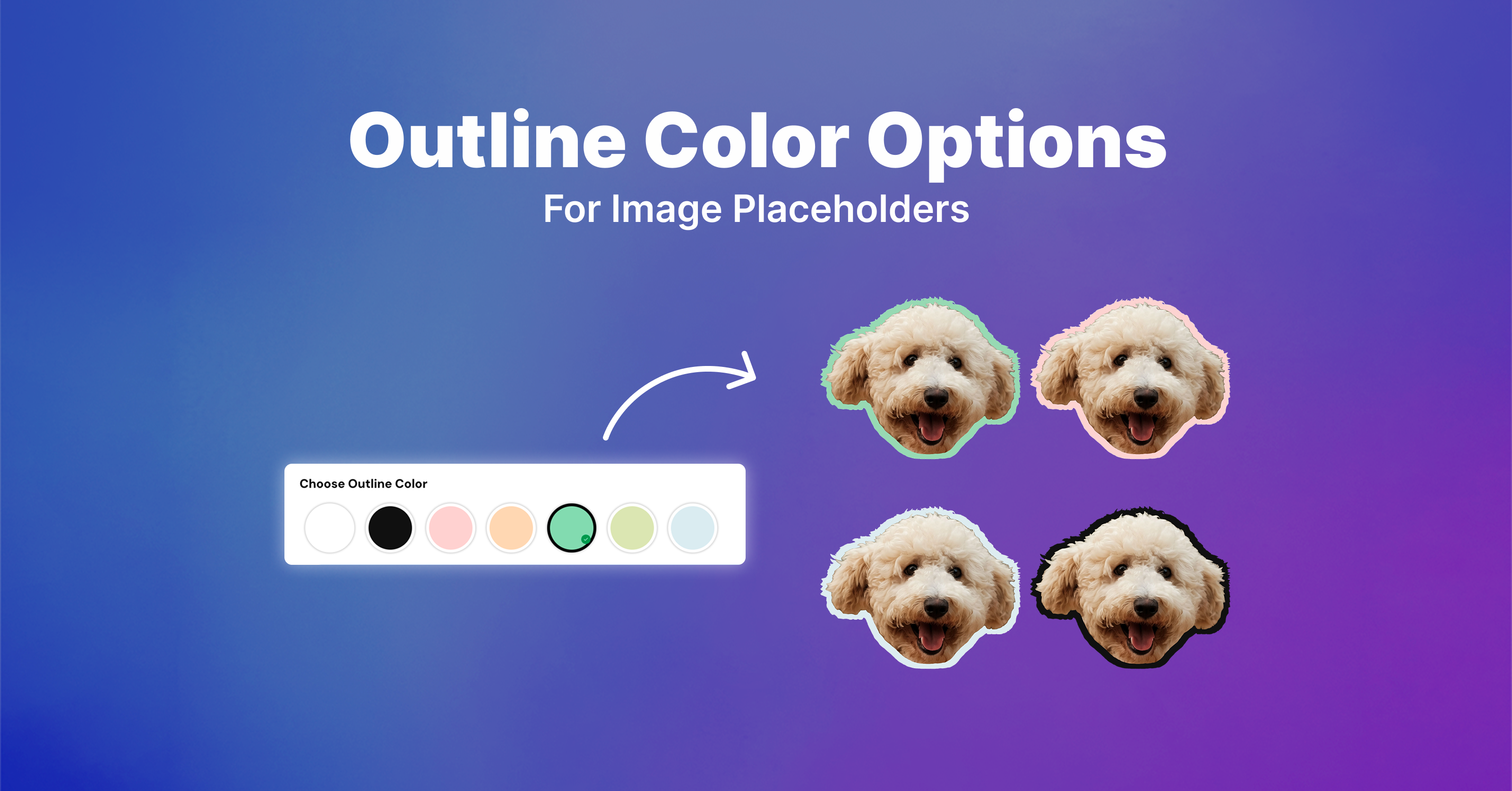
Give shoppers more control over their personalized designs!
Image Placeholder outlines now support multiple color options. Merchants can add colors manually or choose from their existing color libraries, allowing shoppers to select their preferred outline color instead of being limited to a fixed one.
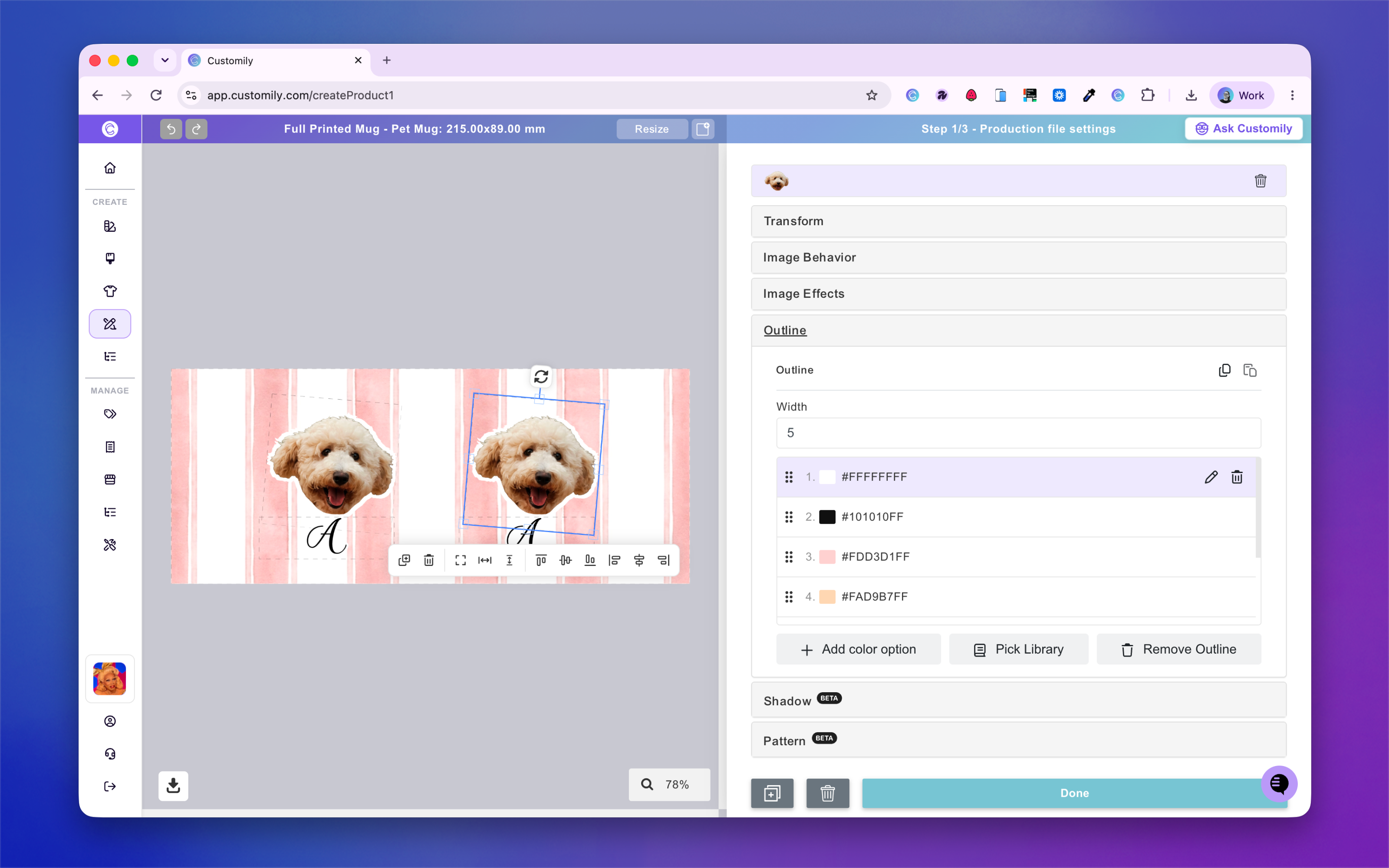
How to Set Up
-
In the Design Studio, select an Image Placeholder.
-
Open the Outline section.
-
Add multiple color options manually or link an existing Color Library.
-
All outline colors will share the same width setting.
That's it! Shoppers can now choose their preferred outline color in the storefront.