
Pattern Feature: Now Supporting Image Placeholders & Multiple Elements

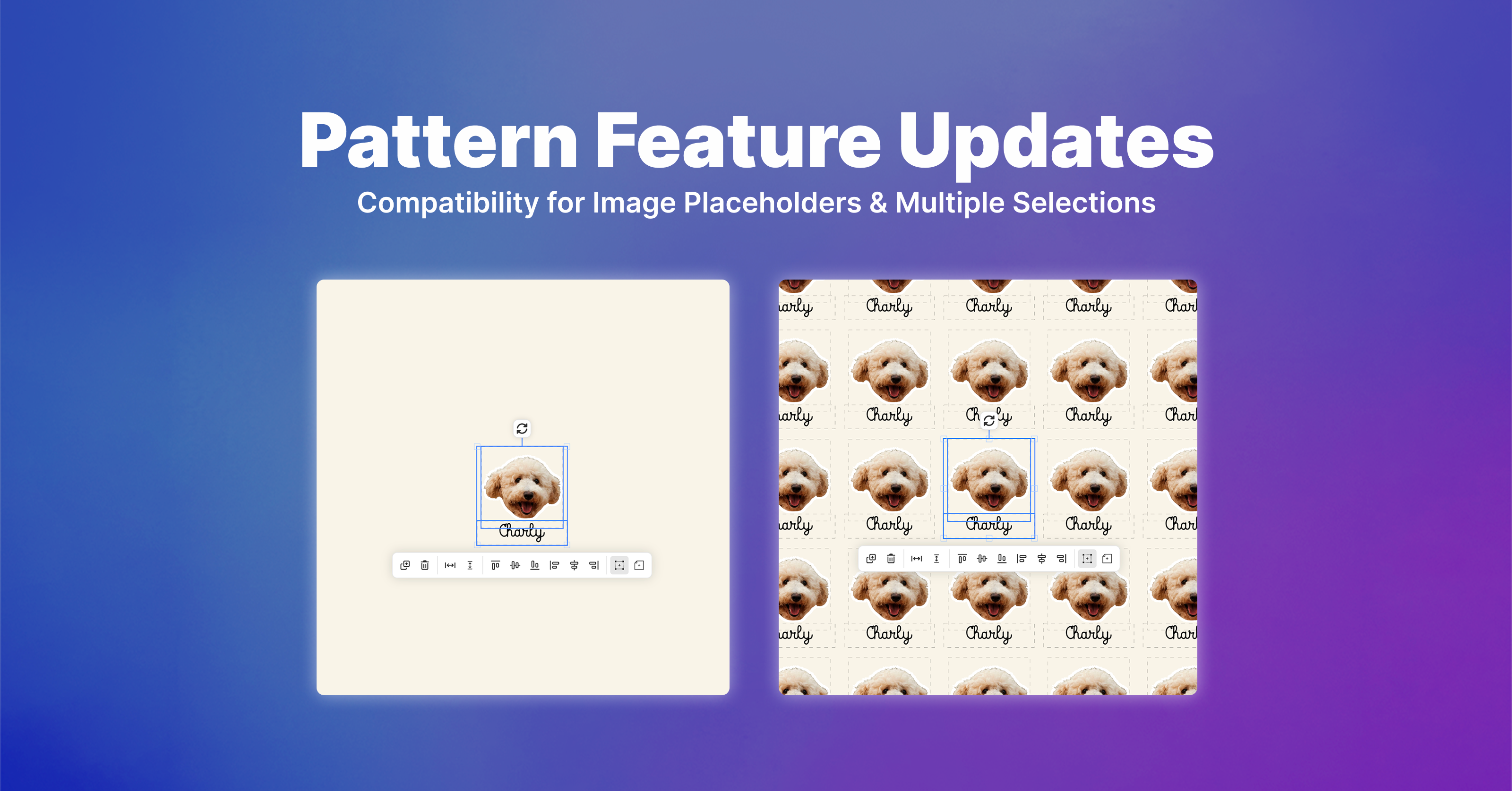
Previously available for Text Box elements, Pattern allows you to automatically repeat an element across the entire canvas, creating seamless, repeating layouts with control over spacing and positioning.
Now, you can take your patterns even further:
What's New?
1. Pattern Support for Image Placeholders
You can now create patterns using Image Placeholders, making it easy to build repeating designs with customer-uploaded images.
2. Create Patterns with Multiple Elements
Instead of creating patterns for each element individually, you can now select multiple compatible elements and turn them into a single pattern.
This means you can combine Text Boxes and Image Placeholders into a single pattern, making it much easier to create complex designs where multiple elements repeat together while maintaining their relative positioning.
How to Set Up
-
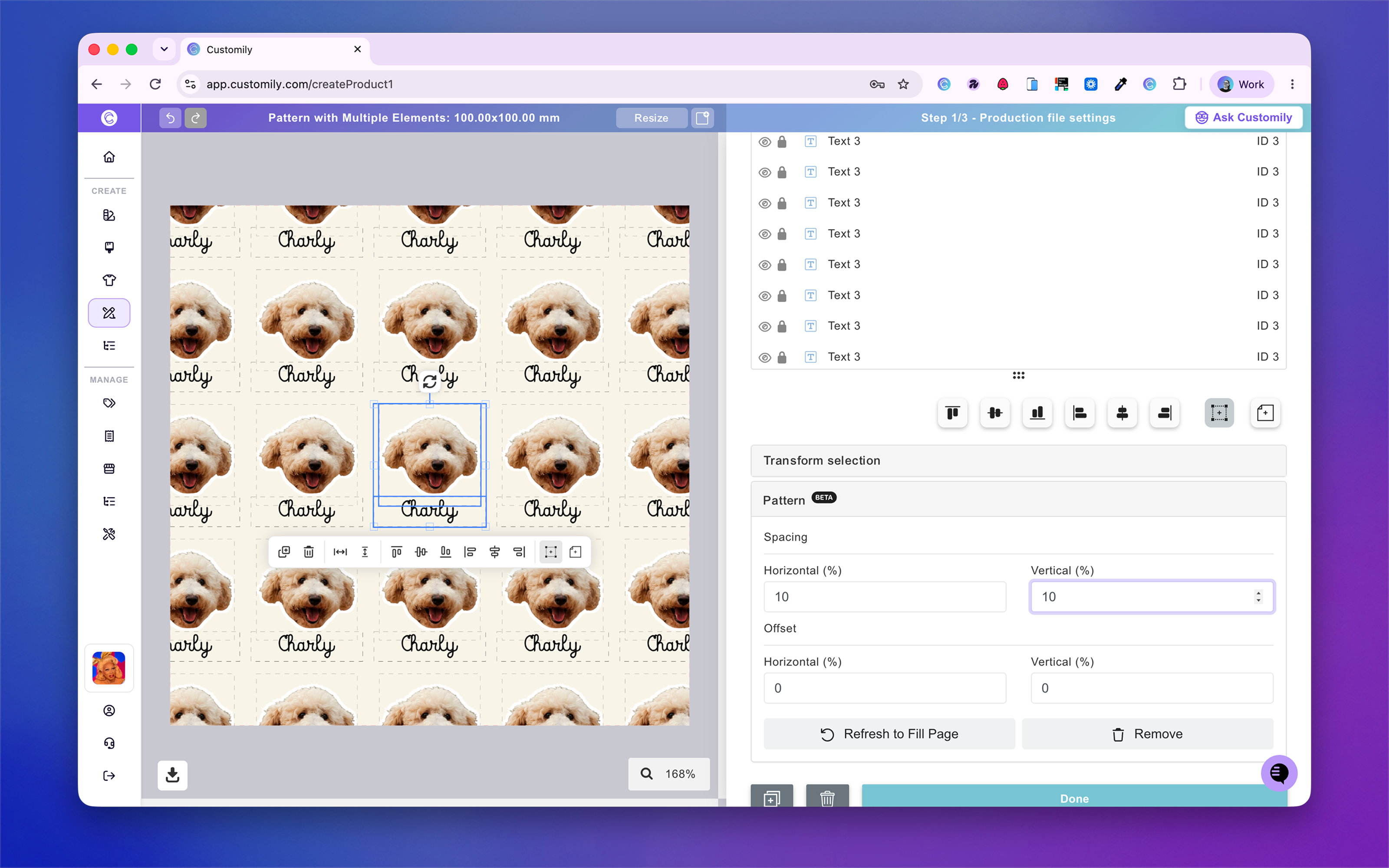
Select a Text Box, an Image Placeholder, or a combination of multiple compatible elements.
-
Click Create Pattern in the Pattern section.
-
Adjust the spacing and offsets to customize how your elements repeat across the canvas.
That's it! Your selected elements will repeat together across the canvas, making it easier than ever to create personalized repeating designs.