
💰 Show Total Price in Add to Cart Button

Agustina OuvinaProduct Manager
Make pricing clearer right when it matters most.
You can now display the total product price directly on the Add to Cart button, updating in real time as shoppers incorporate add-ons. No more surprises at checkout, just full transparency before they click.
This is especially useful for products with multiple add-ons, where the final cost can change based on customer selections.
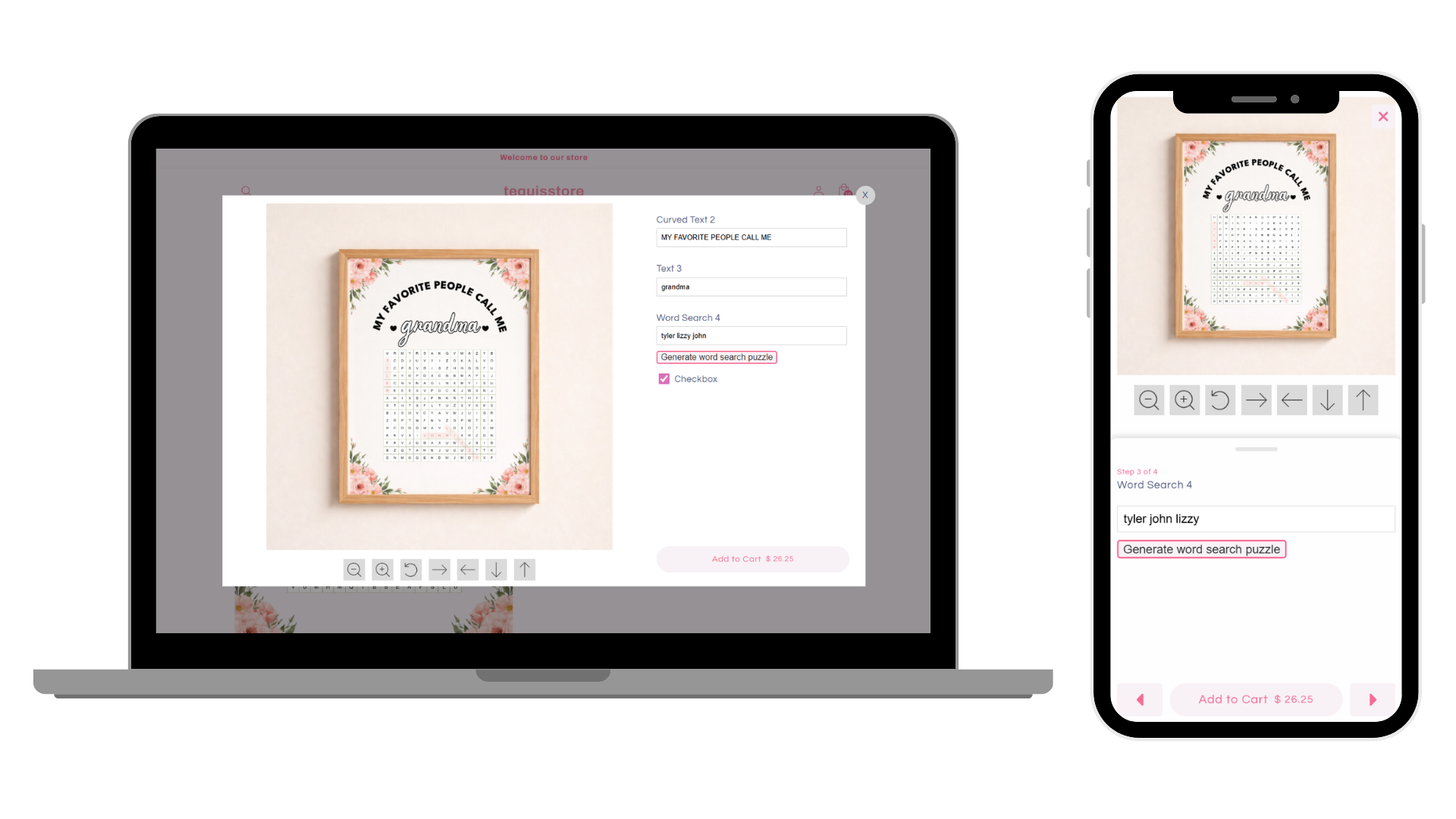
How to enable it:
-
Go to Store Settings → Styles → Button Styles
-
Toggle on “Include price in Add to Cart button”
Keep in mind:
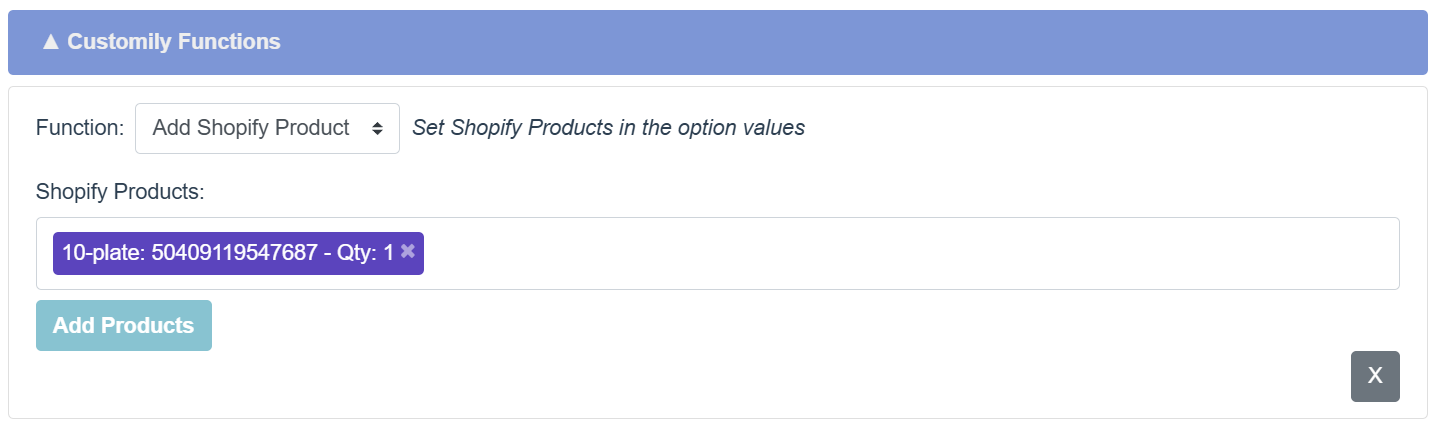
- Currently available for Shopify products using the "Add Shopify Product" function on the Option Set (add-on feature)
- Works with Modal Preview Style (desktop & mobile)
Give your customers more confidence in their purchase by showing exactly what they’ll pay, right on the button.