
Search within Layers & Designs History
What’s new? We’ve rolled out a couple of improvements to make designing and managing templates even easier and more transparent.
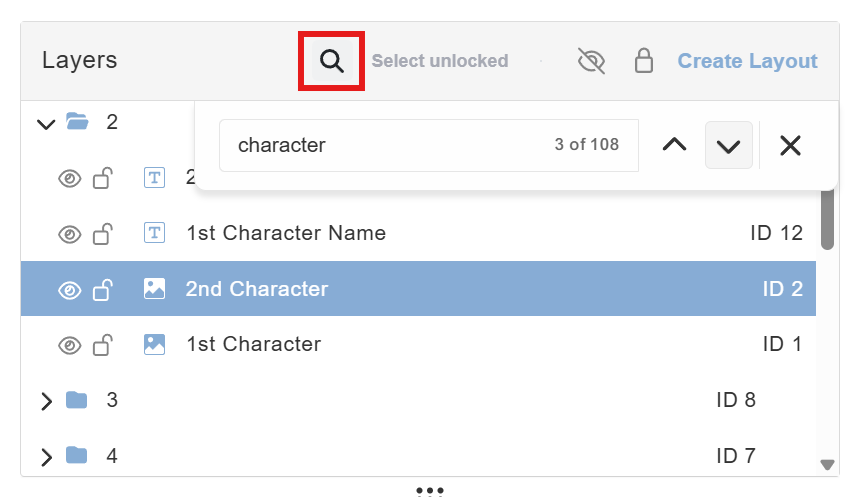
🔍 Search Layers in Templates Editing large templates just got easier. We added a search function to help you quickly find specific layers in the layers panel. Simply click on the 🔍 icon and browse through all layers that match the entered text. The search works based on layer names.
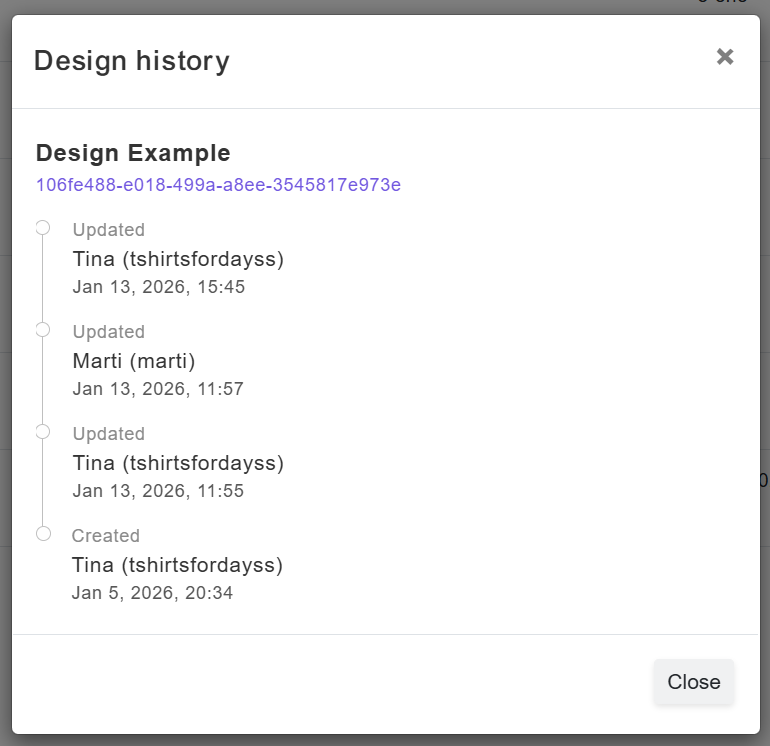
🕘 My Designs History You can now view a design’s history! This new view lets you see who made the latest changes and when. To access Design History, hover over any design and click the ↩️ icon (the same icon used for template, option set, and product history).
✨ Coming soon: Restore Design History & Design Trash