
new feature
New Feature: Text Cutout!

Agustina OuvinaProduct Manager
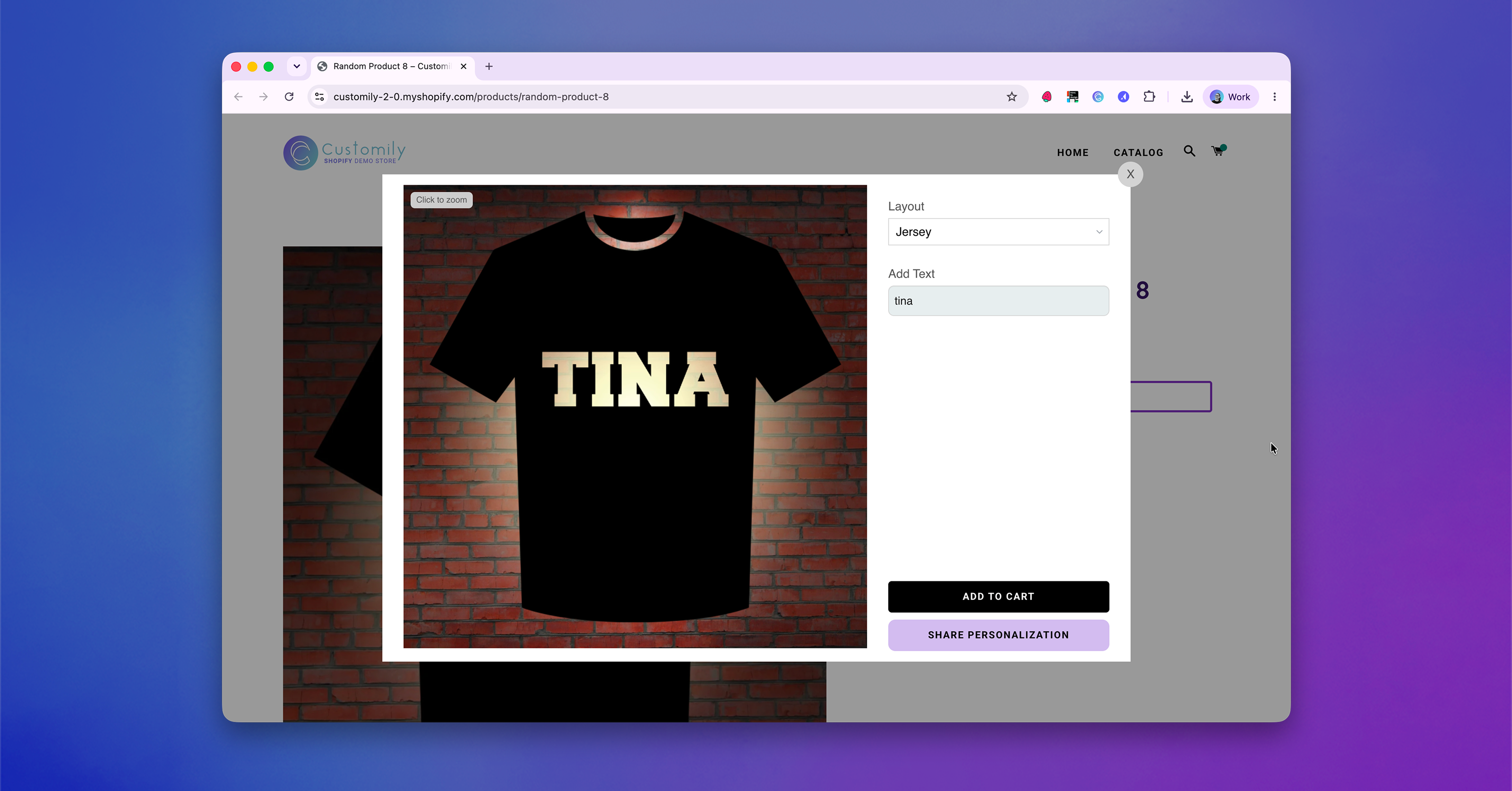
Create eye-catching text effects with the new Text Cutouts option.
Think of it as the opposite of Text as Mask. Instead of filling your text with the image below, Text Cutouts cuts the text out of the image, creating a transparent window through the artwork.
⚙️ How to Set it Up:
-
Add a Text Box
-
Add an Image Placeholder or Dynamic Image directly UNDER the text box element
-
Set up Text Cutout from the Advanced Section
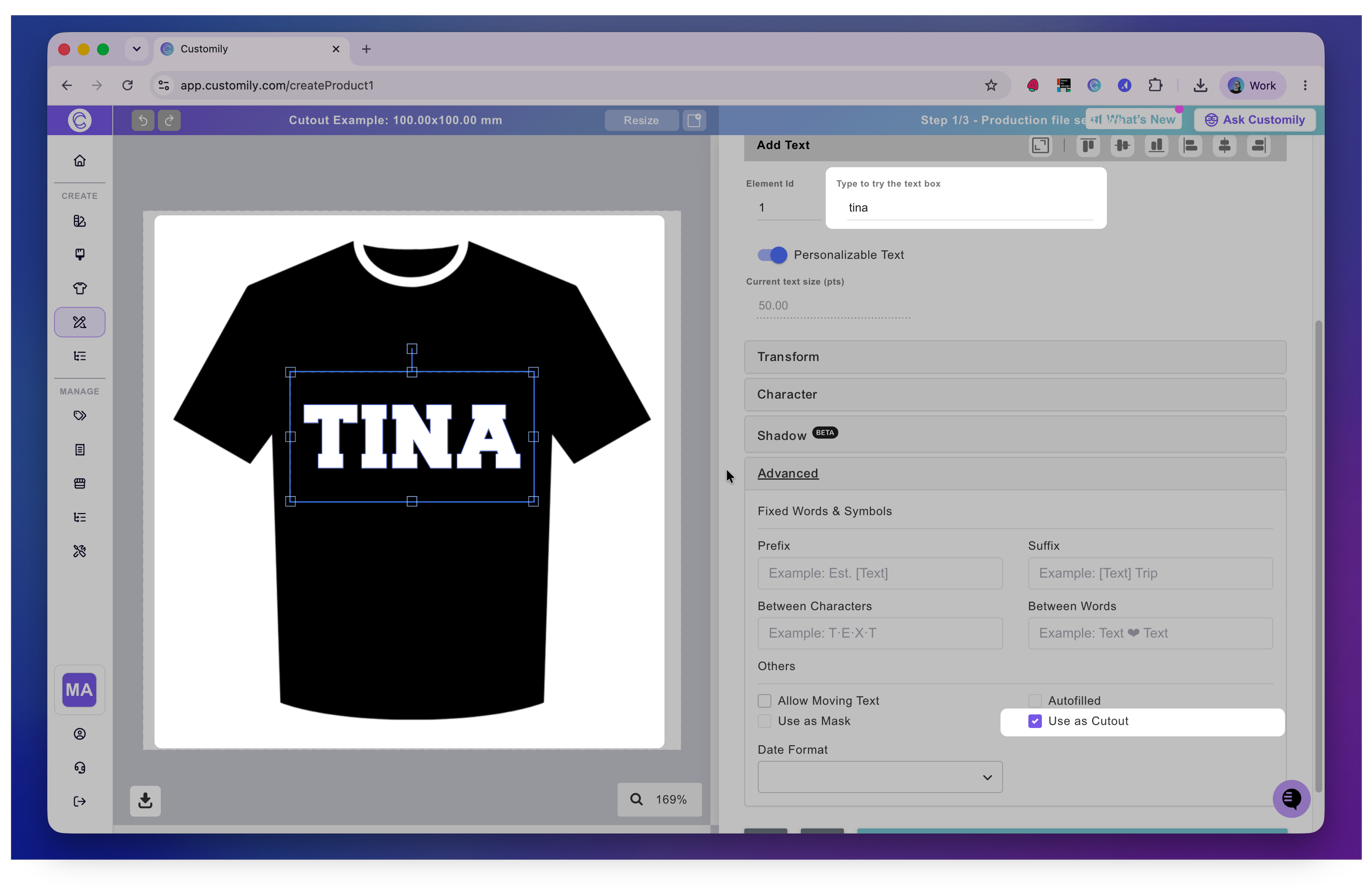
This effect is perfect for bold typography and designs where you want the background image to take center stage.
Text Cutouts are fully compatible with:
-
Image Placeholders
-
Dynamic Images
new feature