
Fill Any Shape with Personalized Text

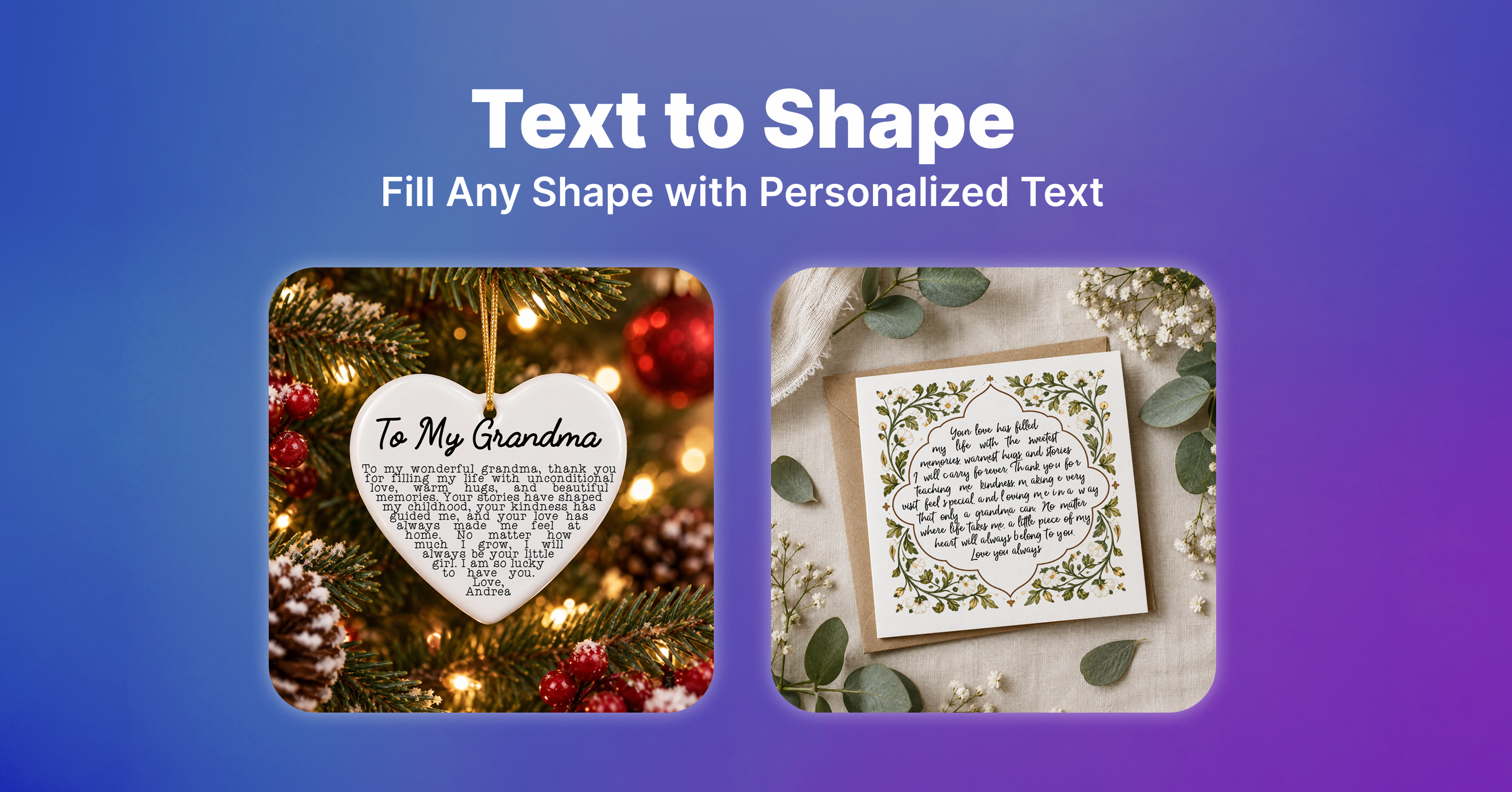
Create unique text designs that automatically fill a shape, whether pixel-based or vector. Customize every detail, including fonts, character settings, fill colors, outlines, shadows, and prefixes or suffixes. Choose your shape by uploading your own or selecting one from Customily’s Image or Vector Library.
Perfect for: Personalized gifts featuring meaningful messages, or heartfelt notes that fill shapes like hearts, stars, and more. Offer more creative personalization options to help your products stand out and attract shoppers looking for unique, meaningful gifts.
How to Set It Up
-
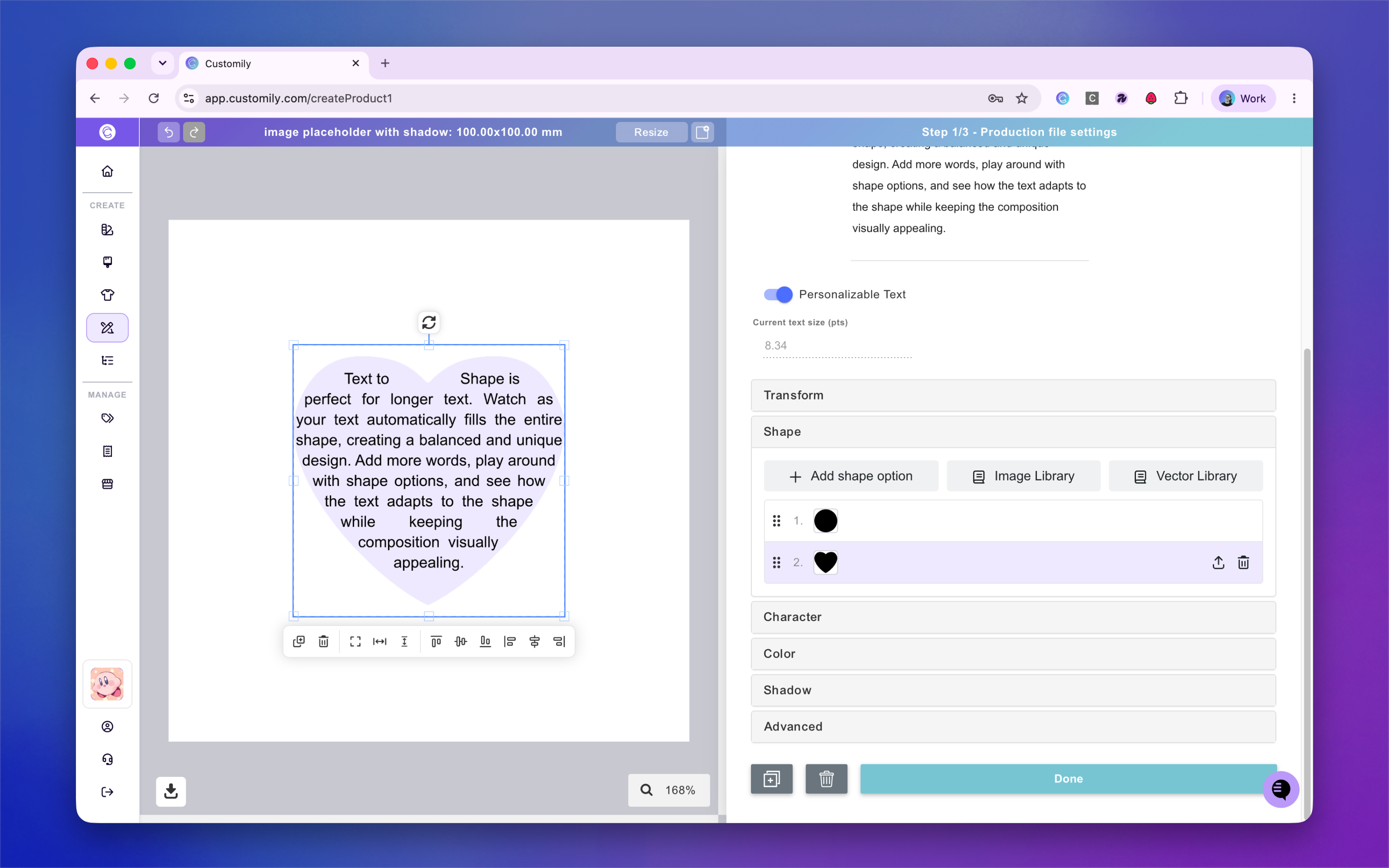
In Design Studio, add the Text to Shape element to your design.
-
Customize your text settings, including fonts, min/max font size, colors, outlines, and more.
-
Choose your shape by uploading your own, using a Customily shape, or selecting an image or vector from the libraries.
-
That's it! You're ready to go.
Your shoppers will see a text area where they can enter their own special message, which will automatically fill the selected shape, making it easy to offer distinctive, personalized products without manually designing each variation.